





ACC Certification Training Course

Learn fundamental computer skills, digital awareness, and online operations through the NIELIT ACC Certification Course recognized across India.
550+ Trainers
250+ Course
150+ Branches

Course Overview

  • Next Batch:New batch starts every 7th day. Enroll early to secure your seat.
  • Course Duration:20 Hours (Flexible timings available)
  • Eligibility:
    • No minimum qualification is required for applying and appearing for the examination in course on Awareness of Computer Concepts (ACC).
  • Tools:
      5
  • Modes of Training: Offline Training (available at all Samyak branches)
  • Projects:Available

₹11 LPA +

Average CTC

34000+

Naukri, LinkedIn, Glassdoor

3+

Industry Mentors

Join Our 100% Job Assistance

ACC – Awareness on Computer Concepts Certification Training Course

Overview of ACC – Awareness on Computer Concepts Certification Training Course

The ACC – Awareness on Computer Concepts Certification Training Course is a foundational digital literacy program designed by NIELIT (National Institute of Electronics & Information Technology). It aims to equip students and professionals with essential computer and internet knowledge to function confidently in the digital world.

Through practical and easy-to-understand lessons, learners develop skills in operating systems, MS Office, web applications, and online transactions. After completing the course and passing the exam, students receive an official NIELIT ACC Certificate, recognized by both government and private organizations across India.

What You’ll Learn From Course

Understand basic computer operations and hardware components.
Work efficiently with MS Word, Excel, and PowerPoint.
Browse the internet, send emails, and use online services.
Learn safe digital practices and cybersecurity awareness.
Perform online transactions using e-Governance and UPI systems.
Earn your NIELIT ACC Certification for career and government job eligibility.

Who Should Take this Course

No minimum qualification is required for applying and appearing for the examination in course on Awareness of Computer Concepts (ACC).

Job Roles & Growth Areas For Course

Office Assistant
Data Entry Operator
Banking Kiosk Assistant
Digital Helpdesk Executive
Government Exam Preparation
Front Office Executive

Tools Covered In Course

Windows Operating System (File & System Management)
MS Office Suite (Word, Excel, PowerPoint)
Web Browsers (Google Chrome, Mozilla Firefox)
Email Platforms (Gmail, Outlook)
Digital Services (UPI, e-Governance, and Cyber Safety Tools)

What’s included ?

Theory doesn’t help anyone in professional life, professional Courses are better learnt by experimenting.

Certifications like Microsoft, Google, HP, Cisco, EC-Council make a huge difference in placement.

Contents are based upon the latest trends in IT industry nd as per the recommendations of IT Guys.

Good opportunities need to spread geographically, so is Samyak for the benefit of professional and job seekers.

All courses are as per industry needs and with projects/ examples, which make Samyak’s approach job oriented.

Once the course is completed from Samyak, there is a dedicated team to guide for interview and placements.

ACC – Awareness on Computer Concepts Certification Training Course Syllabus

1. Introduction to Computer

  • Components of a Computer System
  • 1.3.1 Central Processing Unit
  • 1.3.2 Common Input & Output devices
  • USB ports and Pen Drive
  • Connecting Power cord, Keyboard, Mouse, Monitor and Printer to CPU

2. Operating a Computer System

  • Operating System and its usage
  • Basic Operations: Mouse (click, click and drag, double click, right click (for the context menu)), Keyboard (some of the more common letters, enter, Delete, backspace, shift, tab and arrows)
  • Starting and Shutting Down a Computer
  • User Interface for Desktop and Laptop
  • Task Bar
  • Icons & Shortcuts
  • Running an Application
  • Scroll Bars
  • Using Help
  • File and Folder Management
  • Types of File Extensions

3. Create, Edit and Format documents using Word Processor

  • Word Processing Basics
  • Opening Word Processing Package
  • Title Bar, Menu Bar,
  • Toolbars & Sidebar
  • Creating a New Document
  • Opening and Closing Documents
  • Opening Documents
  • Save and Save As
  • Closing Document
  • Using The Help
  • Page Setup
  • Print Preview
  • Printing of Documents
  • PDF file and Saving a Document as PDF file
  • Document manipulation & Formatting
  • Text Selection
  • Cut, Copy and Paste
  • Font, Color, Style and Size selection
  • Alignment of Text
  • Undo & Redo
  • Spelling & Grammar
  • Shortcut Keys

4. Introduction to Internet and finding information on Internet

  • Internet
  • Concept of Internet & WWW
  • Website Address and URL
  • Applications of Internet
  • Modes of Connecting Internet (Hotspot, Wi-Fi, LAN Cable, Broadband, USB Tethering)
  • Popular Web Browsers (Internet Explorer/Edge, Chrome, Mozilla Firefox,)
  • Exploring the Internet
  • Surfing the web
  • Popular Search Engines
  • Searching on Internet

5. Working with e-mail

  • Structure of E-mail
  • Using E-mails
  • Opening Email account
  • Mailbox: Inbox and Outbox
  • Creating and Sending a new E-mail
  • Replying to an E-mail message
  • Forwarding an E-mail message
  • Access email with attachments
  • Delete an e-mail

6. Understanding Financial Literacy and e-Governance Services

  • Digital Financial Tools
  • Understanding OTP [One Time Password]and QR [Quick Response] Code
  • UPI [Unified Payment Interface]
  • AEPS [Aadhaar Enabled Payment System]
  • USSD[Unstructured Supplementary Service Data]
  • Card [Credit / Debit]
  • eWallet
  • PoS [Point of Sale]
  • Internet Banking
  • National Electronic Fund Transfer (NEFT)
  • Real Time Gross Settlement (RTGS)
  • Immediate Payment Service (IMPS)
  • Online Bill Payment
  • Overview of e-Governance Services like Railway Reservation, Passport, eHospital [ORS]
  • Accessing e-Governance Services on Mobile Using “UMANG APP”

Key Features

  • Structured for beginners and digital learners
  • Practical computer usage with step-by-step guidance
  • Combines tech, internet, and finance literacy
  • Certificate recognized for employment and higher education

Job Roles

  • Office Assistant
  • Data Entry Operator
  • Banking Kiosk Assistant
  • Digital Helpdesk Executive
  • Government Exam Preparation
  • Front Office Executive

Program Highlights

  • Master everything from switching on a PC to using email, the internet, and digital government services.
  • Understand savings, ATM usage, online banking, UPI, insurance, and social schemes like PMJDY, APY, PMSBY, and more.
  • Hands-on practice in document creation, folder management, printing, and spreadsheet tasks—skills needed for office, school, and daily life.
  • Tailored content for jobs like Office Assistant, Data Entry Operator, Front Desk Executive, or Government Exam Aspirants.
  • Training available in both English and Hindi to ensure comfortable understanding for all learners.
  • Earn certificates after each module to showcase your progress and dedication, along with a final ACC Certification.
  • Choose from Online Live Classes or Offline Classroom Training at your nearest Samyak Center.

What is an Ultimate Career Choice?

Massive Market
Massive Market

Learn skills that open doors to vast, growing markets worldwide, constantly increasing demand across industries.

High-Paying Jobs
High-Paying Jobs

Acquire in-demand expertise to command top salaries, and accelerate long-term financial growth .

Future-Proof Career
Future-Proof Career

Build adaptable, technology that keep your career relevant, and valuable in chaanging times.

Entrepreneurial Path

Gain practical tools, mindset and networks needed to launch ventures, create sustainable businesses.

Global Impact
Global Impact

Develop solutions and leadership that solve real-world problems, positively impacting communities.

Large Community
Large Community

Join a diverse, supportive community of learners, mentorship, opportunities, and lasting connections.

Be in the spotlight by getting certified!

A detailed overview of the course, including key topics, objectives, and module sequence.

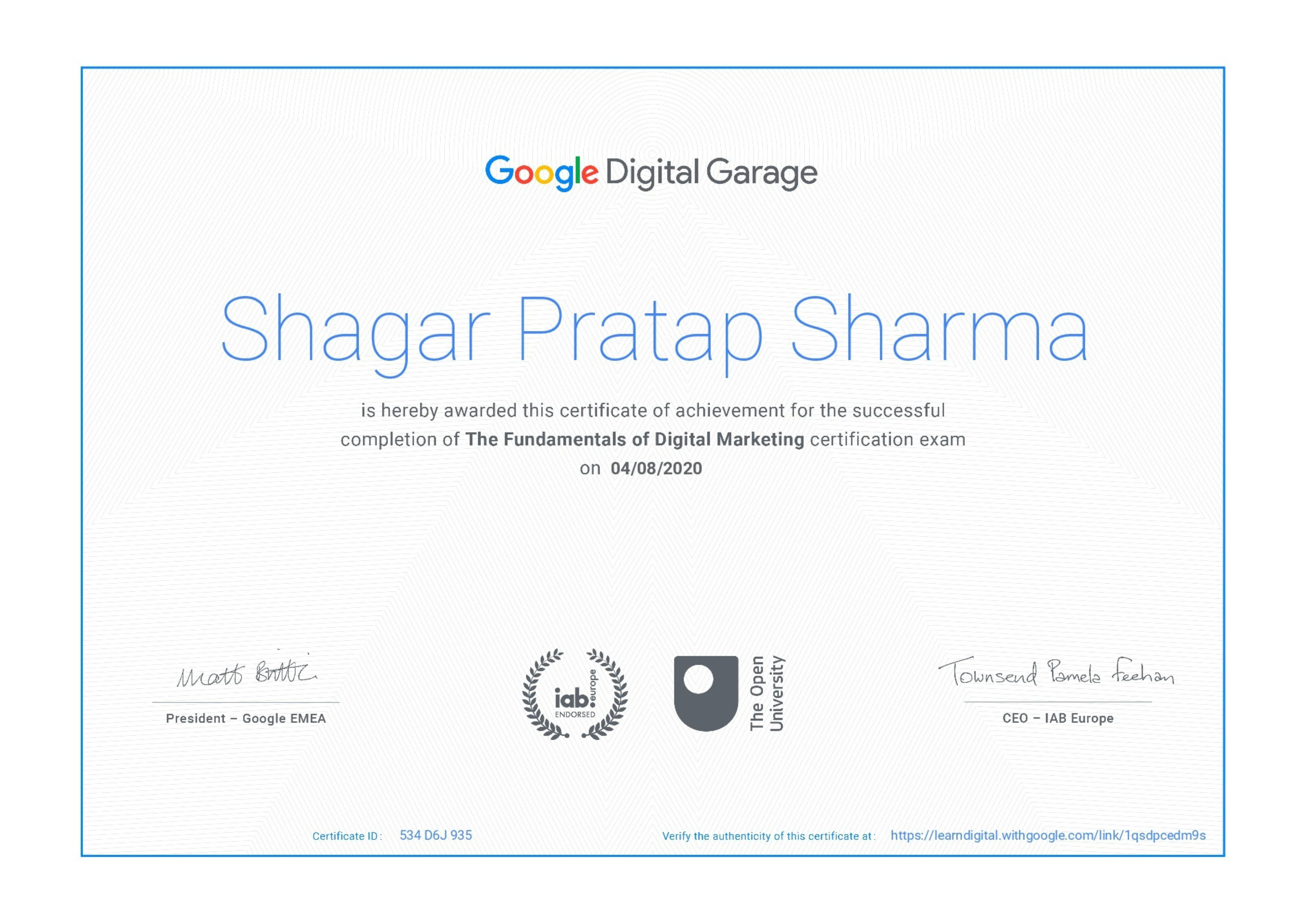
Google Certificate (included)

Google Certificate (included)

Internationally recognized certificate for professional achievement.

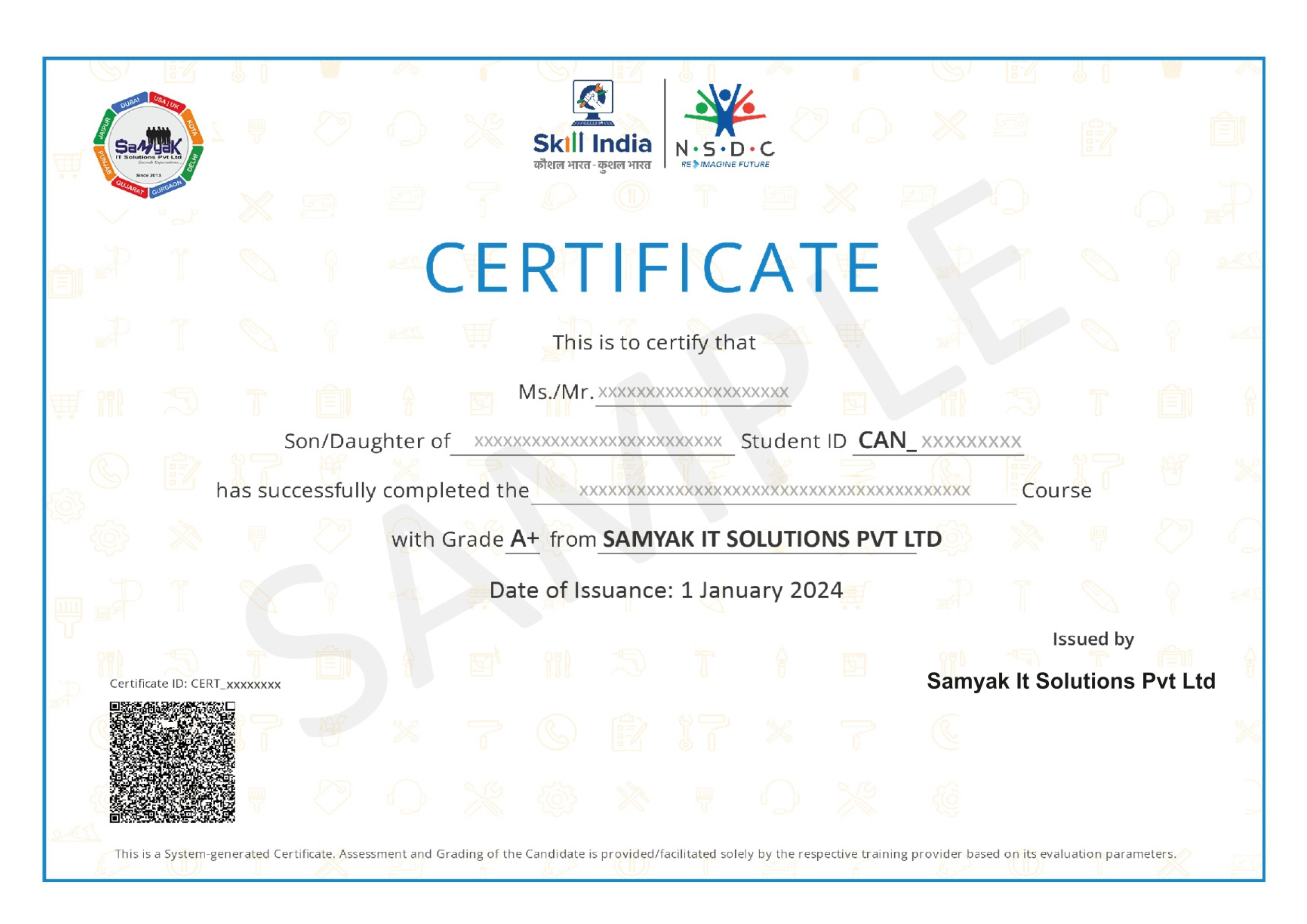
Samyak Certificate (included)

Samyak Certificate (included)

ISO 9001:2008 certified training recognized globally.

NSDC Certificate (included)

NSDC Certificate (included)

Govt of India-backed certification enhancing employability.

Get Certified

Our Students Placed In Top Companies

×

Application Form