






📞 +91-7413825777 | +91-9105106105 | +91-7413873777
FB X IG YT

V-Ray Training Course

Master V-Ray rendering to create photorealistic 3D visuals, lighting, and textures for architecture, interior design, and product visualization.

Course Overview

  • Next Batch Next Batch:New batches start every 7th Day. Limited seats available – enroll early!

  • Course Duration Course Duration:1 Month (including hands-on rendering projects and portfolio creation)

  • Eligibility Eligibility:
    • Students
    • Architects
    • Designers
    • 3D Artists
    • Visualization Professionals
  • Tools Tools:
      5
  • Modes of Training Modes of Training:Online Live Classes/Offline Training (available at all Samyak branches)

  • Projects Projects:Available
CTC

₹8.8 LPA+

Average CTC

Students

22000+

Naukri, LinkedIn, Glassdoor

Mentors

3+

Industry Mentors

Join Our 100% Job Assistance

V-Ray Training Course

  • Learn the fundamentals of V-Ray rendering engine and interface.
  • Master lighting techniques for interior and exterior visualizations.
  • Create realistic materials, reflections, and textures for 3D models.
  • Understand camera settings, exposure, and rendering optimization.
  • Integrate V-Ray with SketchUp, Revit, and 3Ds Max for professional results.
  • Work on live rendering projects for architectural and product visualization.

Overview of V-Ray Training Course

The V-Ray Training Course teaches you how to transform 3D models into stunning, lifelike visualizations. You’ll explore professional rendering workflows, including advanced lighting, material creation, and environment setup used by top designers, equipping you with the creative expertise needed to advance your career in architectural and product visualization.

This course blends artistic creativity with technical precision, enabling you to produce high-quality renders for architectural, interior, and product projects. By the end, you’ll be confident in creating realistic visual outputs suitable for client presentations and portfolios.

What You’ll Learn From Course

Master global illumination, lighting, and realistic material creation in V-Ray.
Render high-quality interior and exterior visualizations with accuracy.
Control camera settings, exposure, and shadows for lifelike renders.
Integrate V-Ray with 3Ds Max, SketchUp, and Revit effectively.
Post-process renders using Photoshop for enhanced presentation.
Build a professional portfolio with photorealistic visualization projects.

Who Should Take this Course

Architecture Students
Interior Designers
3D Artists
Civil Engineers
Graduates
Job Seekers

Job Roles For Course

3D Visualization Artist
Architectural Visualizer
Interior Designer
3D Rendering Artist
CGI Artist
Product Visualizer

Tools Covered In Course

SketchUp
3ds Max
AutoCAD
Photoshop
Chaos Cosmos

What's included ?

Live Project

Theory doesn’t help anyone in professional life, professional Courses are better learnt by experimenting.

Global Certificates

Certifications like Microsoft, Google, HP, Cisco, EC-Council make a huge difference in placement.

Advanced Contents

Contents are based upon the latest trends in IT industry nd as per the recommendations of IT Guys.

Multi Location

Good opportunities need to spread geographically, so is Samyak for the benefit of professional and job seekers.

Job Oriented

All courses are as per industry needs and with projects/ examples, which make Samyak’s approach job oriented.

Placement Assistance

Once the course is completed from Samyak, there is a dedicated team to guide for interview and placements.

V-Ray Training Course

1. Introduction & Critical V-Ray Concepts

  • Getting Ready to Render with V - Ray
  • Locating V - Ray's tools and features
  • V - Ray's image-saving options
  • Image sampling explained
  • Understanding subdivisions
  • Using the DMC Sampler
  • Overview of color mapping
  • Understanding the color - mapping modes

2. Key Lighting Tools

  • Introduction to lighting in V - Ray
  • Dealing with lighting problems
  • Adding a spherical fill light
  • Creating a mesh light
  • Creating a skylight effect
  • Working with the dome light

3. Global Illumination

  • Global illumination (GI) explained
  • Understanding primary and secondary bounces
  • How irradiance mapping works
  • Using irradiance mapping, part 1
  • Using irradiance mapping, part 2
  • How light cache works
  • Using light cache
  • Understanding brute force GI
  • Using brute force GI

Key Features

  • Advanced Syllabus
  • Certified Faculties
  • Live Projects Based
  • International Certifications
  • 100% Placement Assistance

Job Roles

  • 3D Lighting Artist
  • Architectural Visualizer
  • 3D Rendering Specialist
  • V - Ray Expert
  • CG Generalist

Program Highlights

  • Master the core V - Ray rendering engine workflows, including critical interface setups, rendering tool locations, and image-saving options.
  • Understand deep rendering mechanics like Image Sampling, subdivisions, DMC Samplers, and specialized color - mapping modes for photorealistic outputs.
  • Control professional 3D environment lighting by utilizing spherical fill lights, mesh lights, dome lights, and customized skylight effects.
  • Deploy advanced Global Illumination (GI) computational algorithms, mastering irradiance mapping, light cache mechanics, and brute force GI for physically accurate light bounces.

What is an Ultimate Career Choice?

Massive Market
Massive Market

Learn skills that open doors to vast, growing markets worldwide, constantly increasing demand across industries.

High-Paying Jobs
High-Paying Jobs

Acquire in-demand expertise to command top salaries, and accelerate long-term financial growth .

Future-Proof Career
Future-Proof Career

Build adaptable, technology that keep your career relevant, and valuable in chaanging times.

Entrepreneurial Path

Gain practical tools, mindset and networks needed to launch ventures, create sustainable businesses.

Global Impact
Global Impact

Develop solutions and leadership that solve real-world problems, positively impacting communities.

Large Community
Large Community

Join a diverse, supportive community of learners, mentorship, opportunities, and lasting connections.

Be in the spotlight by getting certified!

A detailed overview of the course, including key topics, objectives, and module sequence.
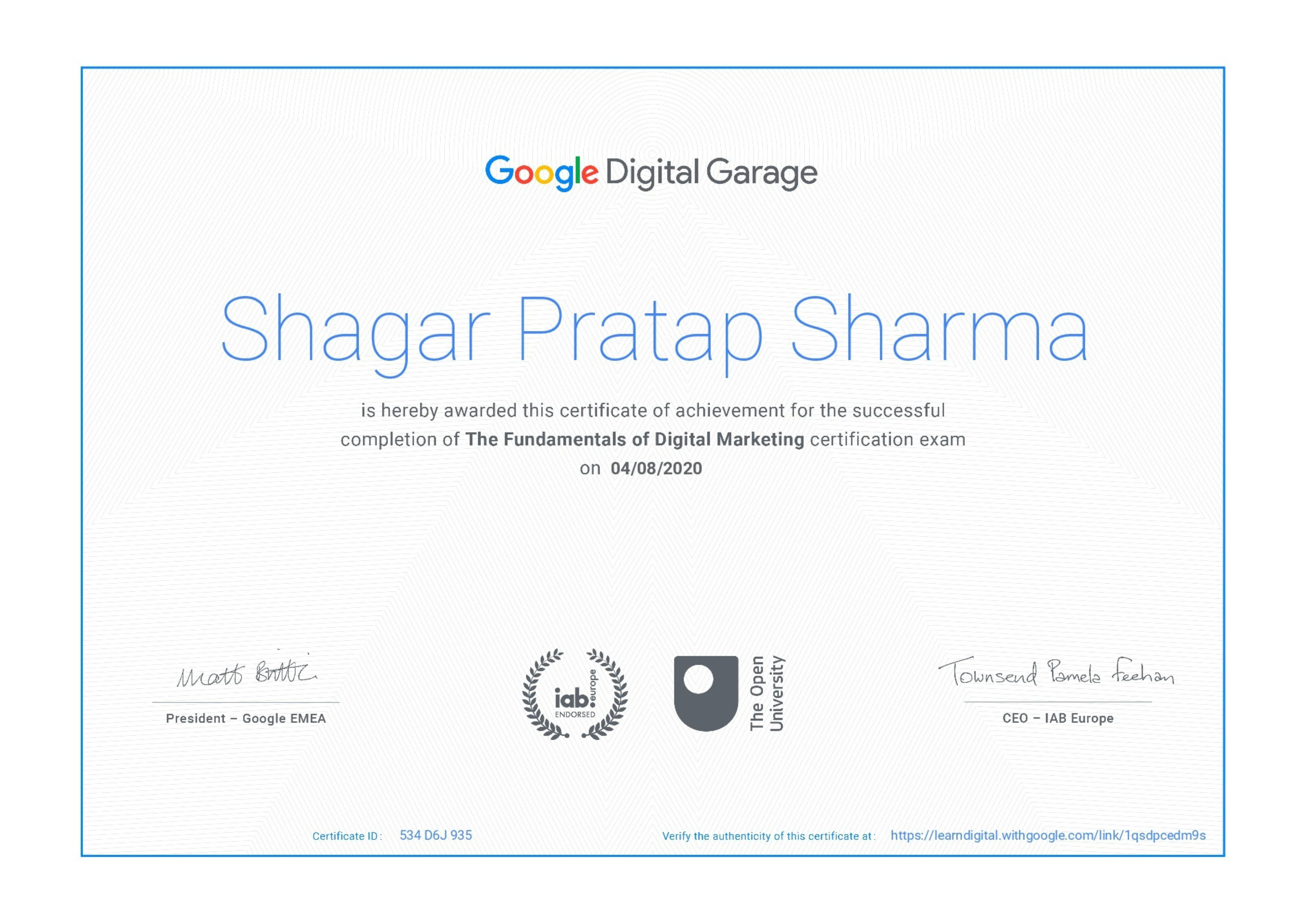
Google Certificate (included)

Google Certificate (included)

Internationally recognized certificate for professional achievement.

Samyak Certificate (included)

Samyak Certificate (included)

ISO 9001:2008 certified training recognized globally.
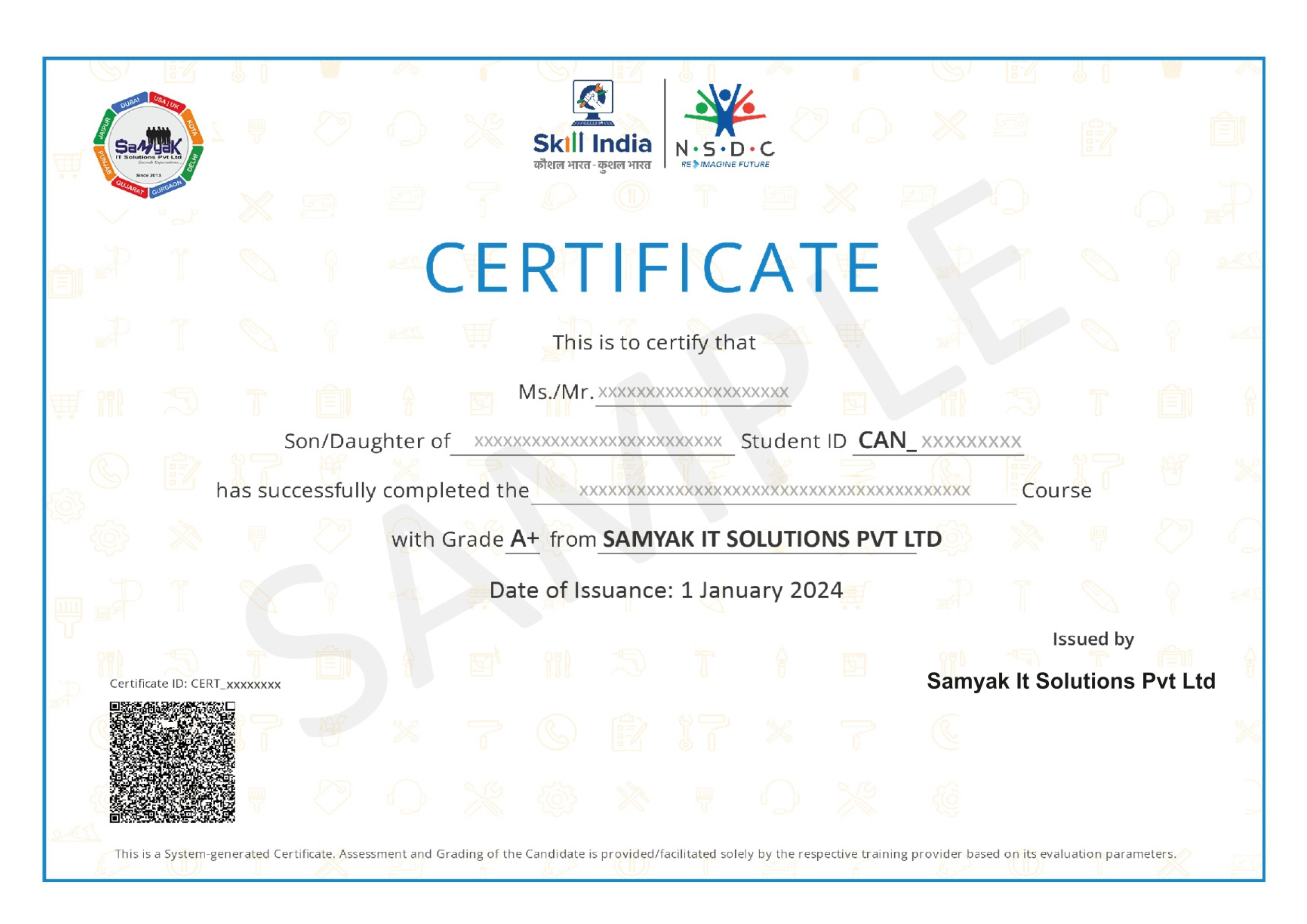
NSDC Certificate (included)

NSDC Certificate (included)

Govt of India-backed certification enhancing employability.

Get Certified

About This Course

The V-Ray Training Course is a professional 3D visualization program designed for architecture students, interior designers, civil engineers, 3D artists, product designers, and creative professionals who want to master photorealistic rendering. V-Ray is one of the most powerful and widely used rendering engines in the architecture, engineering, interior design, gaming, product visualization, and animation industries. Learning it enables professionals to transform simple 3D models into realistic, high-quality visualizations that impress clients and enhance project presentations.

The demand for professionals skilled in this software continues to grow because architects, builders, real estate companies, furniture manufacturers, and design studios rely on realistic renders to showcase their projects before construction begins. A strong portfolio created using these rendering techniques can significantly improve your career prospects and help you secure high-paying opportunities in design and visualization.

One of the biggest advantages of learning V-Ray is its compatibility with leading 3D software such as SketchUp, 3ds Max, Rhino, Revit, Cinema 4D, and Maya. The advanced rendering engine allows designers to create realistic lighting, materials, textures, reflections, shadows, and environmental effects that closely resemble real-world photography.

The training begins with the fundamentals of rendering and visualization. Students learn about rendering concepts, scene setup, camera settings, lighting principles, and workflow optimization. These fundamentals provide the base required to create professional-quality renders.

Lighting is one of the most important topics covered in the curriculum. Students learn natural daylight lighting, HDRI lighting, artificial interior lighting, global illumination, ambient lighting, and cinematic lighting techniques. Proper lighting is essential for producing realistic architectural and interior visualizations using the engine.

Material creation is another major component of the classes. Students learn how to create realistic wood, glass, marble, concrete, fabric, metal, plastic, ceramic, and reflective materials. Understanding materials allows learners to produce highly detailed visualizations that closely resemble actual construction materials.

The coursework also focuses on realistic textures and mapping techniques. Students understand UV mapping, texture scaling, bump maps, displacement maps, opacity maps, reflection maps, and procedural textures. These techniques significantly improve rendering quality and realism.

Camera setup and composition are also covered extensively during the program. Students learn perspective views, depth of field, exposure settings, camera angles, cinematic composition, and architectural photography principles. Good camera techniques help create visually appealing project presentations.

Interior rendering forms a major part of this 3D visualization training. Students work on bedrooms, living rooms, kitchens, offices, hotels, restaurants, commercial spaces, and luxury interiors using realistic lighting and material settings. These projects help learners build an impressive professional portfolio.

Exterior rendering is another important section of the syllabus. Students create realistic renders of residential buildings, villas, apartments, commercial complexes, office buildings, landscapes, gardens, and urban environments. Exterior visualization skills are highly valued in architecture and construction companies.

One of the strongest features of the certification is its practical project-based learning approach. Students complete real architectural visualization projects from modeling to final rendering. These projects help learners understand professional workflows followed by architects and visualization studios.

The instruction also introduces post-production techniques using Adobe Photoshop. Students learn color correction, image enhancement, sky replacement, vegetation enhancement, lighting adjustments, and presentation improvements to produce stunning final renders.

Chaos Cosmos assets are included in the workflow, allowing students to add furniture, vegetation, decorative elements, lighting fixtures, and accessories to their projects quickly and professionally. These assets improve productivity while creating realistic scenes.

The module also teaches rendering optimization techniques. Students understand render settings, denoising, GPU rendering, CPU rendering, animation rendering, batch rendering, and workflow optimization to reduce rendering time while maintaining high visual quality.

Completing the V-Ray Training Course opens excellent career opportunities across multiple industries. Graduates can work as 3D Visualization Artists, Architectural Visualizers, Interior Designers, CGI Artists, Product Visualizers, 3D Rendering Specialists, Architectural Presentation Experts, and Freelance Visualization Consultants.

Architecture firms actively recruit professionals with advanced rendering expertise because realistic visualization plays an essential role in project approvals, client presentations, and marketing campaigns. Interior design studios also prefer designers who can produce photorealistic renders independently.

The program is also valuable for freelancers. Many architects, builders, real estate developers, furniture companies, and product manufacturers outsource rendering projects to independent professionals. Freelancers with strong 3D portfolios often earn competitive income by serving global clients.

Another major advantage of the curriculum is that it provides an excellent foundation for advanced architectural visualization, animation, virtual reality, augmented reality, and CGI production. Learners can further specialize in architectural animation, real-time visualization, Unreal Engine, and Twinmotion after mastering this tool.

The course is suitable for architecture students, interior designers, civil engineers, product designers, animation students, 3D artists, and creative professionals who want to improve their visualization skills. Since the syllabus begins with rendering fundamentals before progressing toward advanced visualization techniques, learners with basic 3D modeling knowledge can complete the program successfully.

As the architecture, construction, and real estate industries increasingly rely on digital presentations and photorealistic marketing visuals, the demand for professionals skilled in industry-standard rendering software continues to rise globally. Companies seek artists who can create compelling visual content that helps clients visualize projects before execution.

If you want to build a successful career in architectural visualization, interior design, product rendering, or CGI production, then enrolling in a V-Ray Training Course is an excellent investment. The course provides practical rendering experience, industry-standard workflows, portfolio development, and strong employment opportunities.

This comprehensive training is designed to prepare learners for professional visualization careers through complete instruction in lighting, materials, textures, camera setup, rendering optimization, post-production, architectural visualization, interior rendering, exterior rendering, and real-world projects. Whether your goal is to become a 3D Visualization Artist, Architectural Visualizer, CGI Specialist, or Interior Rendering Expert, mastering V-Ray provides the creative skills, technical expertise, and professional confidence needed to succeed in today's highly competitive design industry.

Exclusive Career Support Programs at Samyak Computer Classes

At Samyak Computer Classes, we don’t just teach courses — we help students build successful careers. Along with professional training, we provide FREE Career Development & Placement Support Programs to make every student industry-ready.

Free Personality Development Sessions

Conducted Every Saturday

Build the confidence required to succeed in today’s professional world through our weekly FREE Personality Development Sessions.

  • Communication Skills Improvement
  • Confidence & Public Speaking
  • Interview Communication
  • Professional Grooming
  • Corporate Etiquette

Free Placement Readiness Program

Conducted Every Second Saturday

Our specialized Placement Readiness Sessions are designed to prepare students for real-world job opportunities.

📄 Resume Preparation

Learn how to create a professional and recruiter-friendly resume.

🌐 Online Job Portal Awareness

Guidance on using online job platforms effectively to find better opportunities.

🎯 Mock Interview Sessions

Practice real interview scenarios with expert feedback.

Free Placement Drive

Conducted Every Third Saturday

Samyak organizes FREE Placement Drives exclusively for Samyak students to connect them with hiring companies.


  • Direct Interview Opportunities
  • Industry Exposure
  • Career Guidance & Support
  • Better Job Opportunities
  • Professional Networking

Our Students Placed In Top Companies

×

Application Form