



Advanced Photoshop Training Course

Master Adobe Photoshop (Advanced Level) to create professional digital artwork, photo manipulations, and graphic designs for print and online media.
550+ Trainers
250+ course
150+ Branches

Course Overview

  • Next Batch:New batch starts every 7 Days . Enroll early to secure your seats.
  • Course Duration:1 Month
  • Eligibility:
    • Aspiring designers
    • Photographers
    • Developers
    • Digital Marketers
    • Anyone interested in mastering photo editing and Design tools
  • Tools:
      5
  • Modes of Training: Online Live Classes / Offline Training (available at all Samyak branches)
  • Projects:Available

₹11 LPA +

Average CTC

34000+

Naukri, LinkedIn, Glassdoor

3+

Industry Mentors

Join Our 100% Job Assistance

Advanced Photoshop Training Course

Overview of Advanced Photoshop Training Course

The Advanced Photoshop Training Course Certification is designed for graphic designers, photographers, and digital artists who want to take their creativity and technical editing skills to the next level. This course focuses on advanced image editing, manipulation, and creative design techniques used in the professional world.

Through practical projects and real-time assignments, learners explore in-depth Photoshop tools for retouching, color grading, compositing, and digital imaging. By the end of this course, you’ll earn your Advanced Photoshop Certification and be ready for roles in graphic design, advertising, and digital media.

What You’ll Learn From Course

Perform professional-level image retouching and compositing.
Master layer styles, masks, filters, and advanced selections.
Create stunning digital artworks and advertising visuals.
Enhance photos using Camera Raw and color grading tools.
Design posters, web layouts, and social media creatives.
Earn your Advanced Photoshop Certification and boost your creative career.

Who Should Take this Course

Aspiring Designers
Photographers
Developers
Digital Marketers
Anyone interested in mastering photo editing and Design tools

Job Roles For Course

Graphic Designer
Photo Editor
UI Designer
Social Media Designer
Visual Content Creator
Digital Artist

Tools Covered In Course

Adobe Photoshop CC (Latest Version)
Adobe Camera Raw (Photo Correction & Color Grading)
Wacom Tablet (Digital Drawing & Retouching)
Adobe Bridge (File Management & Asset Organization)
Lightroom / Color Lookup Tools (Photo Enhancement & Tone Adjustment)

What’s included ?

Theory doesn’t help anyone in professional life, professional Courses are better learnt by experimenting.

Certifications like Microsoft, Google, HP, Cisco, EC-Council make a huge difference in placement.

Contents are based upon the latest trends in IT industry nd as per the recommendations of IT Guys.

Good opportunities need to spread geographically, so is Samyak for the benefit of professional and job seekers.

All courses are as per industry needs and with projects/ examples, which make Samyak’s approach job oriented.

Once the course is completed from Samyak, there is a dedicated team to guide for interview and placements.

Advanced Photoshop Training Course Syllabus

1. Introduction to Photoshop

  • Photoshop Interface & Workspace with AI
  • Tools Overview and Panel Customization
  • Image Formats, Resolution & File Setup

2. Photo Editing Essentials

  • Cropping, Straightening, and Adjustments
  • Color Correction and Retouching
  • Working with Layers & Masking

3. Selection & Manipulation

  • Selection Tools and Techniques
  • Cut-outs, Background Removal
  • Transform, Warp, Liquify Tools

4. Graphic Design & Text Effects

  • Typography and Font Styling
  • Creating Posters, Flyers & Social Media Creatives
  • Blending Modes and Layer Styles

5. Advanced Techniques

  • Smart Objects and Filters
  • Using Actions and Batch Processing
  • Working with Camera RAW

6. Real-World Projects

  • Image Compositing
  • Branding Design Projects
  • Portfolio Development

Key Features

  • Project-based practical training
  • Hands-on assignments and assessments
  • Expert-led sessions with live demonstrations
  • Creative exercises and design challenges
  • Career support and portfolio guidance

Job Roles

  • Graphic Designer
  • Photo Editor
  • UI Designer
  • Social Media Designer
  • Visual Content Creator
  • Digital Artist

Program Highlights

  • Focused on latest trends and real-world design needs
  • Guided by experts with industry exposure
  • Live sessions, creative feedback, and discussion-based approach
  • Support with resume, interviews, and design career planning

What is an Ultimate Career Choice?

Massive Market
Massive Market

Learn skills that open doors to vast, growing markets worldwide, constantly increasing demand across industries.

High-Paying Jobs
High-Paying Jobs

Acquire in-demand expertise to command top salaries, and accelerate long-term financial growth .

Future-Proof Career
Future-Proof Career

Build adaptable, technology that keep your career relevant, and valuable in chaanging times.

Entrepreneurial Path

Gain practical tools, mindset and networks needed to launch ventures, create sustainable businesses.

Global Impact
Global Impact

Develop solutions and leadership that solve real-world problems, positively impacting communities.

Large Community
Large Community

Join a diverse, supportive community of learners, mentorship, opportunities, and lasting connections.

Be in the spotlight by getting certified!

A detailed overview of the course, including key topics, objectives, and module sequence.

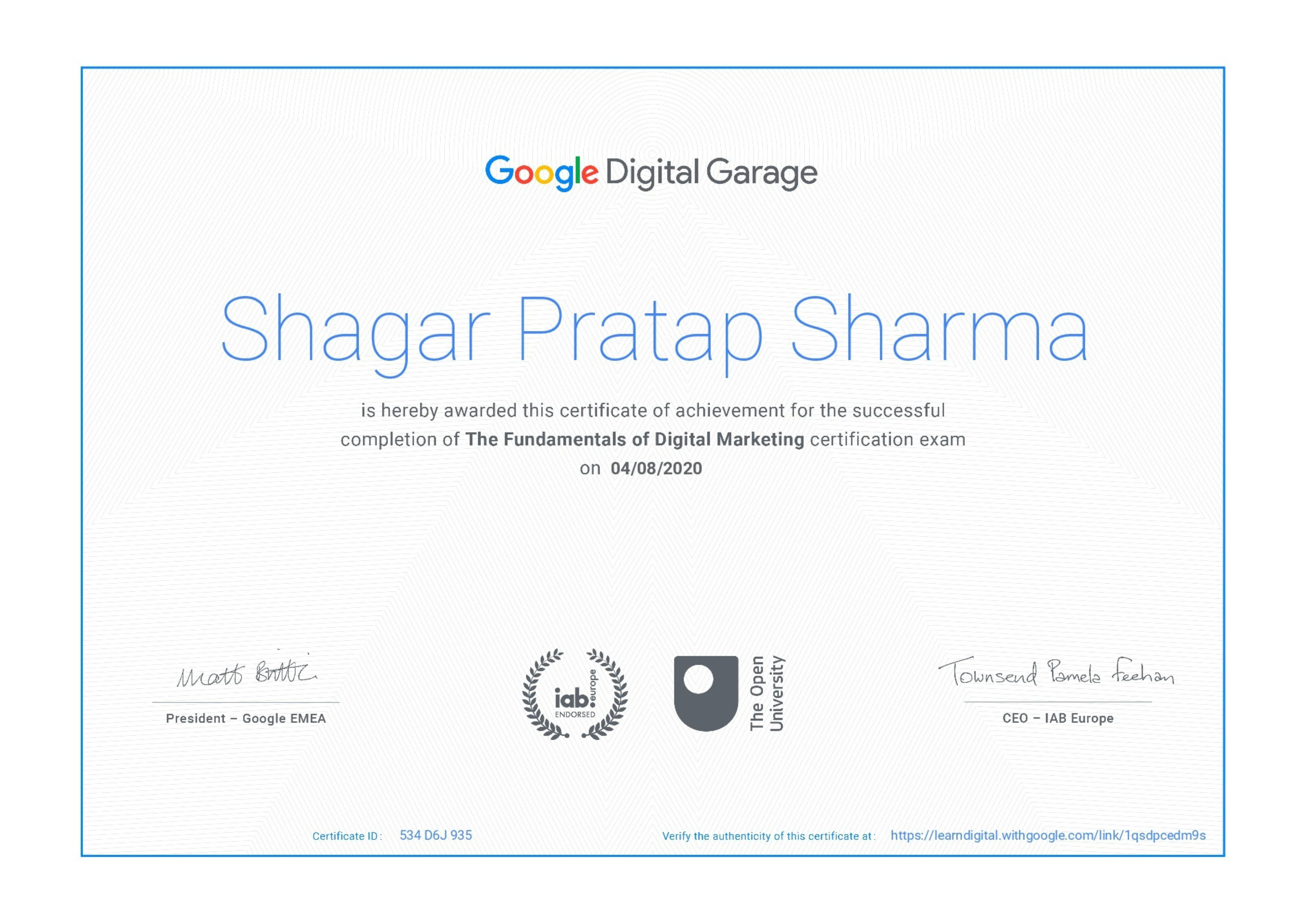
Google Certificate (included)

Google Certificate (included)

Internationally recognized certificate for professional achievement.

Samyak Certificate (included)

Samyak Certificate (included)

ISO 9001:2008 certified training recognized globally.

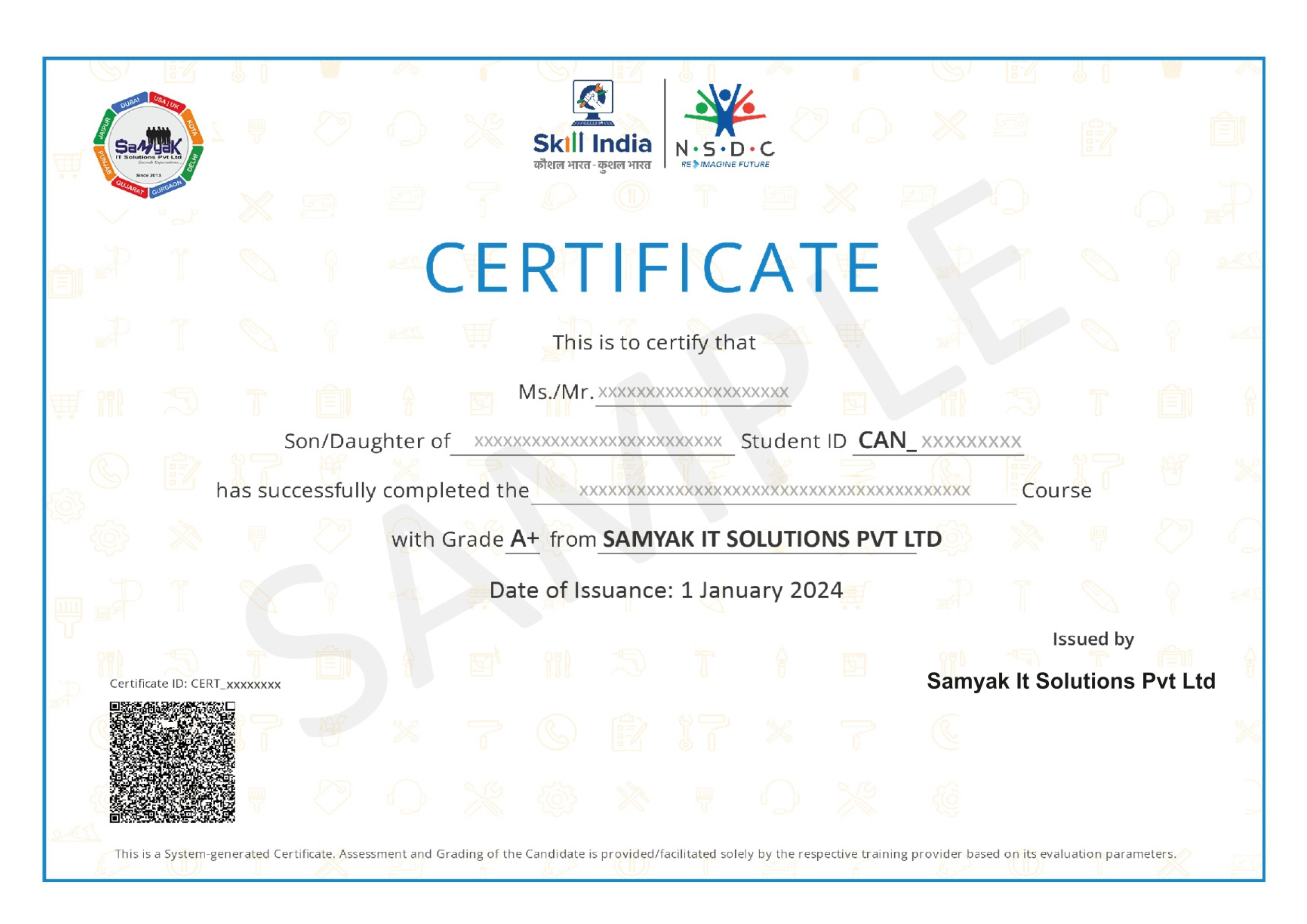
NSDC Certificate (included)

NSDC Certificate (included)

Govt of India-backed certification enhancing employability.

Get Certified

Our Students Placed In Top Companies

×

Application Form