



DTP Graphic Design Course (Desktop Publishing)

Learn Desktop Publishing (DTP) and Graphic Design to create professional layouts, print materials, and marketing designs for media and business.
550+ Trainers
250+ course
150+ Branches

Course Overview

  • Next Batch:New batch starts every 7 Days . Enroll early to secure your seats.
  • Course Duration:3 Months
  • Eligibility:
    • Anyone interested in graphic designing and print media
  • Tools:
      5
  • Modes of Training: Online Live Classes / Offline Training (available at all Samyak branches)
  • Projects:Available

₹11 LPA +

Average CTC

34000+

Naukri, LinkedIn, Glassdoor

3+

Industry Mentors

Join Our 100% Job Assistance

DTP Graphic Design Course (Desktop Publishing)

Overview of DTP Graphic Design Course (Desktop Publishing)

The DTP Graphic Design Course (Desktop Publishing) is a complete program for aspiring designers who want to learn print and digital publishing design. It blends creativity with technical design tools to prepare learners for jobs in print media, advertising, and publishing industries.

Through practical projects, students gain real-world experience in Photoshop, CorelDRAW, and InDesign, learning how to design and prepare artwork for printing. By the end of the program, you’ll earn your DTP Graphic Design Certification and be ready to work as a Graphic Designer, DTP Operator, or Print Media Specialist.

What You’ll Learn From Course

Understand color theory, composition, and design principles.
Edit and enhance images using Adobe Photoshop.
Create vector illustrations and layouts with CorelDRAW or Illustrator.
Design and format print materials using InDesign or PageMaker.
Prepare designs for commercial printing and publishing.
Earn your DTP Graphic Design Certification and begin your design career.

Who Should Take this Course

Anyone interested in graphic designing and print media

Job Roles For Course

Graphic Designer
DTP Operator
Visual Designer
Publishing Assistant

Tools & Technologies Covered In Course

Adobe Photoshop (Image Editing & Retouching)
CorelDRAW (Vector Illustration & Page Layouts)
Adobe InDesign / PageMaker (Publishing & Layout Design)
Adobe Illustrator (Logo & Branding Design)
Canva / Figma (Quick Digital Design & Layout Tools)

What’s included ?

Theory doesn’t help anyone in professional life, professional Courses are better learnt by experimenting.

Certifications like Microsoft, Google, HP, Cisco, EC-Council make a huge difference in placement.

Contents are based upon the latest trends in IT industry nd as per the recommendations of IT Guys.

Good opportunities need to spread geographically, so is Samyak for the benefit of professional and job seekers.

All courses are as per industry needs and with projects/ examples, which make Samyak’s approach job oriented.

Once the course is completed from Samyak, there is a dedicated team to guide for interview and placements.

DTP Graphic Design Course (Desktop Publishing) Syllabus

1. Introduction to Desktop Publishing

  • Understanding Print Media
  • Basics of Typography and Color

2. Adobe Photoshop

  • Image Editing, Retouching, and Layout Design
  • Working with Layers, Filters, and Effects

3. CorelDRAW

  • Create high-quality vector graphics
  • Use advanced layout and typography techniques

4. Adobe Indesign/Pagemaker

  • Page Layout Design for Brochures and Books
  • Merging Images and Text Content

5. Design Principles and Layout Techniques

  • Creative Design Concepts
  • Choosing Fonts, Colors, and Visual Balance

6. Final Print Preparation

  • Proofing, Print Specs, and Color Modes (Pantone & CMYK)
  • Interfacing with Printers and Production Teams

7. Project Work & Portfolio Development

  • Real-time Design Assignments
  • Build Your Own Design Portfolio

Key Features

  • Practical, hands-on training with real design projects
  • Training in both digital and print media
  • Career support with portfolio building
  • Learn from experienced graphic design professionals

Job Roles

  • Graphic Designer
  • DTP Operator
  • Visual Designer
  • Publishing Assistant

Program Highlights

  • Focused on real-world projects and print workflows
  • Learn Adobe Photoshop and CorelDRAW tools in depth
  • Mentorship from experienced DTP and graphic designers
  • Guidance on freelancing, job readiness, and interviews

What is an Ultimate Career Choice?

Massive Market
Massive Market

Learn skills that open doors to vast, growing markets worldwide, constantly increasing demand across industries.

High-Paying Jobs
High-Paying Jobs

Acquire in-demand expertise to command top salaries, and accelerate long-term financial growth .

Future-Proof Career
Future-Proof Career

Build adaptable, technology that keep your career relevant, and valuable in chaanging times.

Entrepreneurial Path

Gain practical tools, mindset and networks needed to launch ventures, create sustainable businesses.

Global Impact
Global Impact

Develop solutions and leadership that solve real-world problems, positively impacting communities.

Large Community
Large Community

Join a diverse, supportive community of learners, mentorship, opportunities, and lasting connections.

Be in the spotlight by getting certified!

A detailed overview of the course, including key topics, objectives, and module sequence.

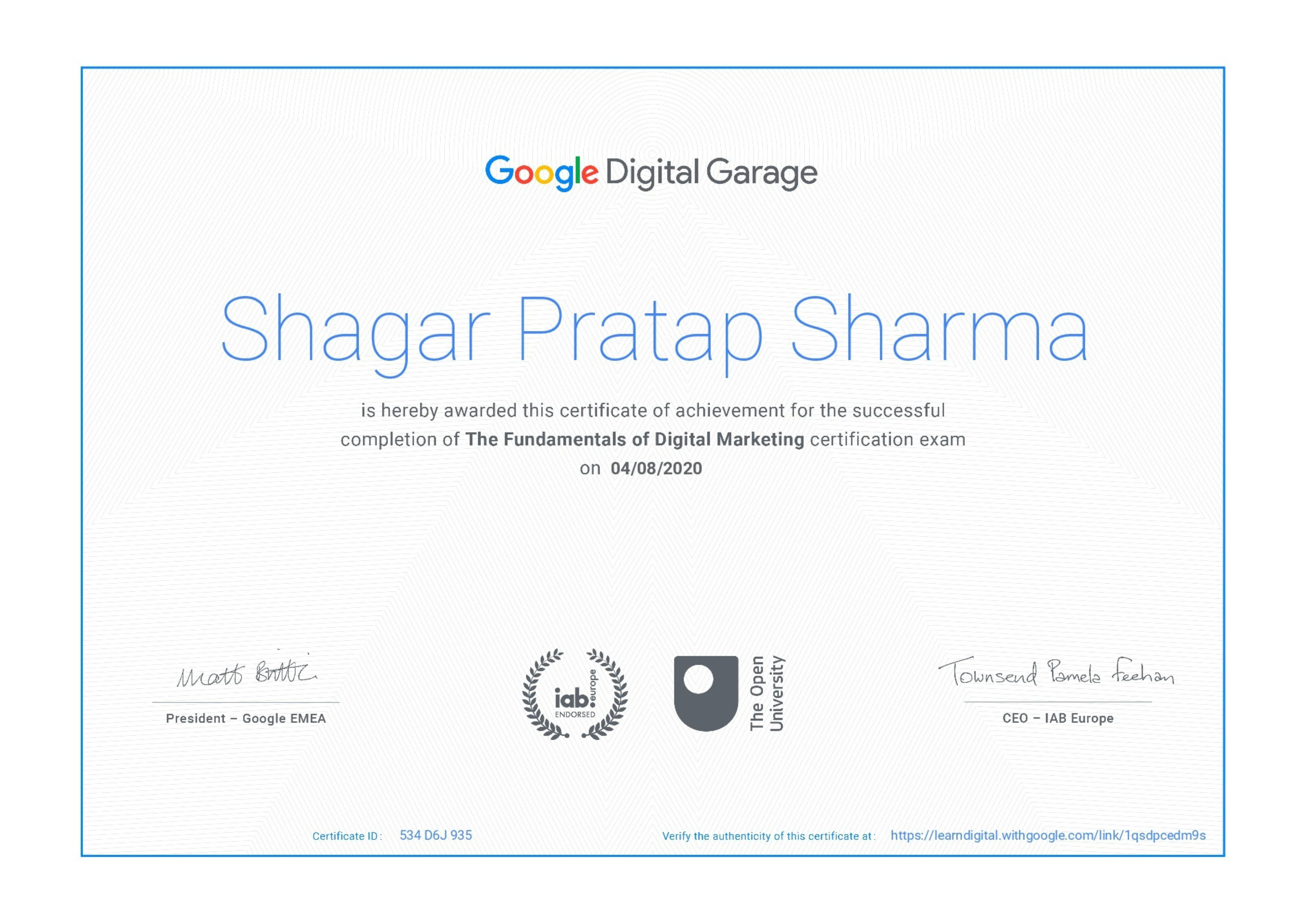
Google Certificate (included)

Google Certificate (included)

Internationally recognized certificate for professional achievement.

Samyak Certificate (included)

Samyak Certificate (included)

ISO 9001:2008 certified training recognized globally.

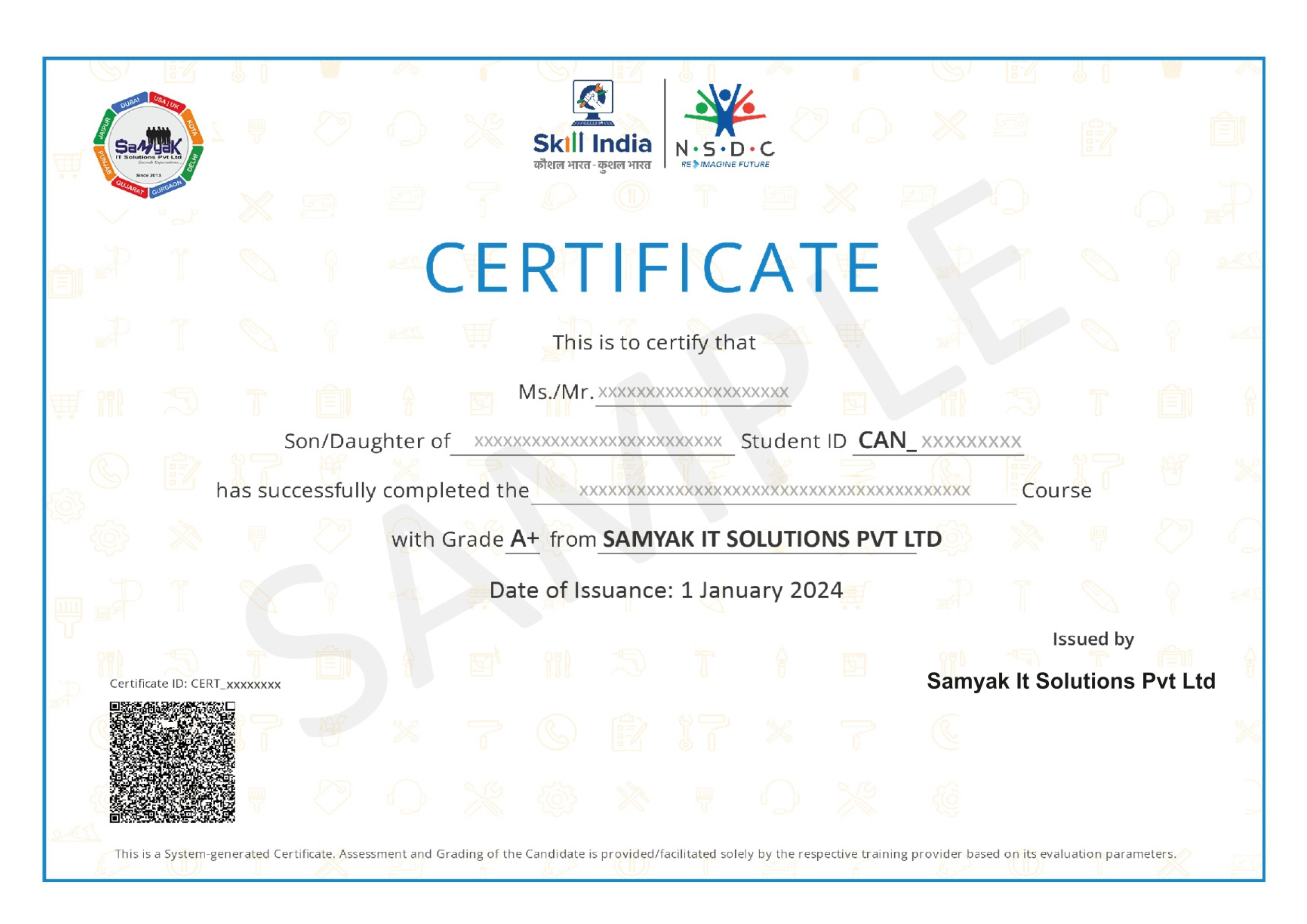
NSDC Certificate (included)

NSDC Certificate (included)

Govt of India-backed certification enhancing employability.

Get Certified

Our Students Placed In Top Companies

×

Application Form