





Google SketchUp Training Course

Learn to create professional 3D architectural and interior models using Google SketchUp with realistic textures, lighting, and rendering.
550+ Trainers
250+ course
150+ Branches

Course Overview

  • Next Batch:New batches start every 7th Day. Limited seats available – enroll early!
  • Course Duration:1.5 Months (Flexible schedules with part-time and full-time options)
  • Eligibility:
    • Aspiring Engineers
    • Architects
    • Interior Designers
    • Draftsmen
    • Creative Enthusiasts
    • Design
  • Tools:
      5
  • Modes of Training: Online Live Classes/Offline Training (available at all Samyak branches)
  • Projects:Available

₹11 LPA +

Average CTC

34000+

Naukri, LinkedIn, Glassdoor

3+

Industry Mentors

Join Our 100% Job Assistance

Google SketchUp Training Course

Overview of Google SketchUp Training Course

The Google SketchUp Training Course is designed to teach you 3D modeling and visualization from the ground up. You’ll learn how to convert your creative design ideas into precise 3D models suitable for architecture, interiors, and landscaping.

This course blends creativity with technology, enabling you to produce lifelike renders and professional presentations. Whether you’re a beginner or an aspiring designer, this course helps you build the confidence and skills to design stunning 3D environments.

What You’ll Learn From Course

Build accurate 3D architectural and interior models using SketchUp tools.
Apply realistic textures, colors, and materials for a lifelike appearance.
Master lighting and camera setup for high-quality visualizations.
Import and export drawings between AutoCAD and SketchUp.
Use V-Ray and Lumion to render photorealistic designs.
Create professional walkthrough animations and client presentations.

Who Should Take this Course

Aspiring Engineers
Architects
Interior Designers
Draftsmen
Creative Enthusiasts
Design Professionals

Job Roles For Course

3D Designer
Architectural Visualizer
Interior Design Assistant
Drafting Technician
CAD/SketchUp Expert

Tools Covered In Course

Google SketchUp (SketchUp Pro)
V-Ray for SketchUp
Lumion
AutoCAD
Photoshop

What’s included ?

Theory doesn’t help anyone in professional life, professional Courses are better learnt by experimenting.

Certifications like Microsoft, Google, HP, Cisco, EC-Council make a huge difference in placement.

Contents are based upon the latest trends in IT industry nd as per the recommendations of IT Guys.

Good opportunities need to spread geographically, so is Samyak for the benefit of professional and job seekers.

All courses are as per industry needs and with projects/ examples, which make Samyak’s approach job oriented.

Once the course is completed from Samyak, there is a dedicated team to guide for interview and placements.

Google SketchUp Training Course

1. Introduction & Basic Drawing

  • Templates, Setting Units
  • Add Geo Location
  • Orbit, Pan, Zoom
  • Creating Lines, Rectangles
  • Axes Setup
  • Arcs, Circle, Polygon, Freehand Drawing

2. 2D to 3D Conversion & Tools

  • Push-Pull Tool for 3D
  • Follow Me Tool
  • Offset, Move, Rotate, Scale
  • Import DWG with Units
  • Dimensions and Tape Measure Tool

3. Advanced Drawing & Views

  • Protractor for Angles
  • Text & 3D Text
  • Changing Axes
  • Sandbox Tools (Contours, From Scratch)
  • Groups & Components
  • Face Styles, Edge Styles, Viewport Styles
  • Parallel Projection & Working Views

4. Solid Tools & Rendering

  • Zoom Window, Zoom Extents
  • Solid Tools (Intersect, Union, Subtract, Trim, Split)
  • Layers & Outliner
  • Materials & Textures
  • Lights: Point Light, Spot Light

  • Podium Browser for Rendering

5. Animation & Export

  • Shadow & Fog Settings
  • Camera Positioning, Look Around, Walk Inside
  • Animation Scenes: Add, Edit, Update
  • Export to 3D Models, DWG, Graphics Formats

6. Each week includes assignments and a final project to demonstrate your full skillset.

Key Features

  • Real-world projects & assignments
  • Hands-on training with professional tools
  • Flexible learning formats (weekends/weekdays)
  • Expert guidance and peer reviews

Job Roles

  • Hardware Technician
  • Desktop Support Engineer
  • IT Support Executive
  • System Maintenance Specialist

Program Highlights

  • 3D Designer
  • Architectural Visualizer
  • Interior Design Assistant
  • Drafting Technician
  • CAD/SketchUp Expert

What is an Ultimate Career Choice?

Massive Market
Massive Market

Learn skills that open doors to vast, growing markets worldwide, constantly increasing demand across industries.

High-Paying Jobs
High-Paying Jobs

Acquire in-demand expertise to command top salaries, and accelerate long-term financial growth .

Future-Proof Career
Future-Proof Career

Build adaptable, technology that keep your career relevant, and valuable in chaanging times.

Entrepreneurial Path

Gain practical tools, mindset and networks needed to launch ventures, create sustainable businesses.

Global Impact
Global Impact

Develop solutions and leadership that solve real-world problems, positively impacting communities.

Large Community
Large Community

Join a diverse, supportive community of learners, mentorship, opportunities, and lasting connections.

Be in the spotlight by getting certified!

A detailed overview of the course, including key topics, objectives, and module sequence.

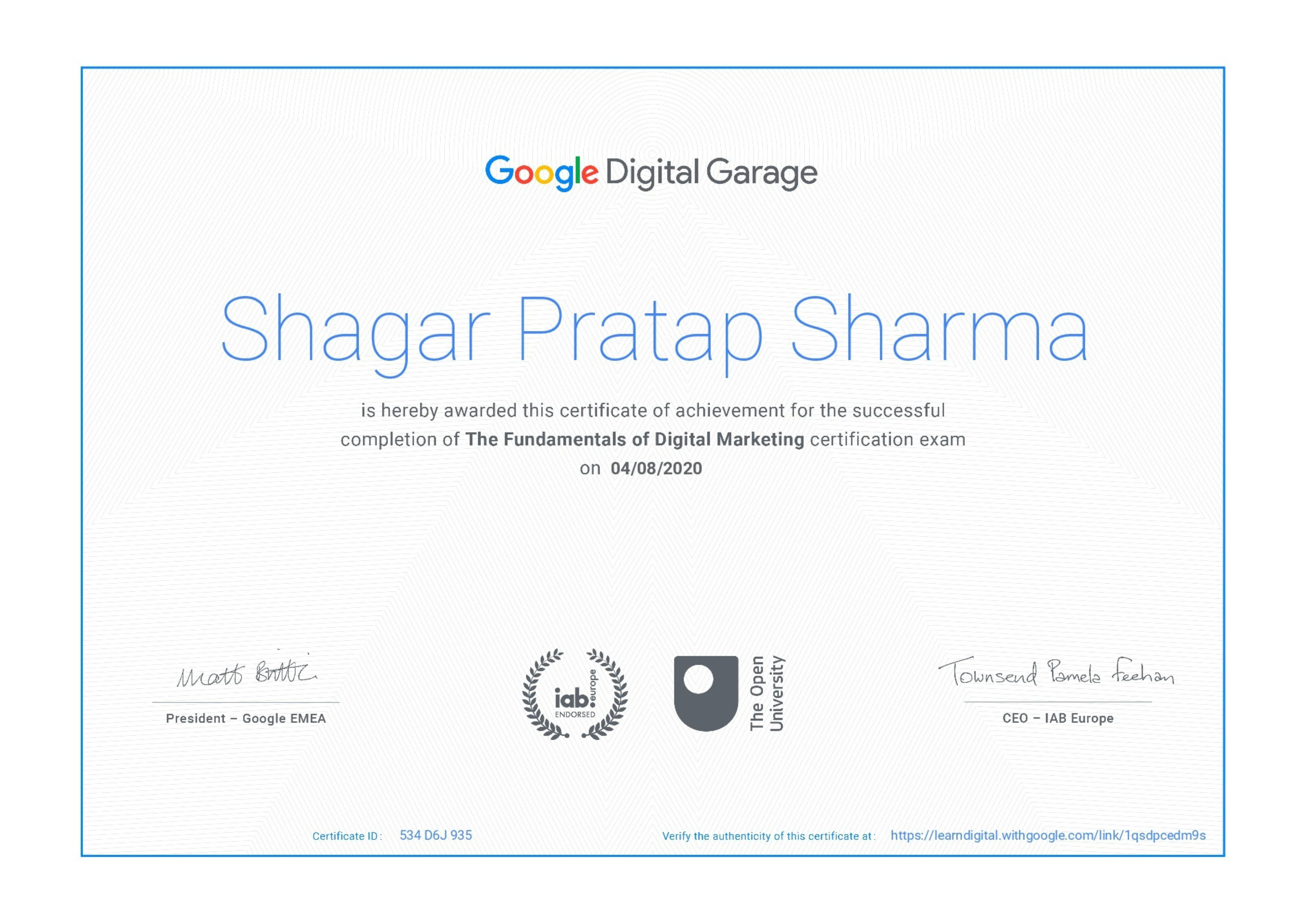
Google Certificate (included)

Google Certificate (included)

Internationally recognized certificate for professional achievement.

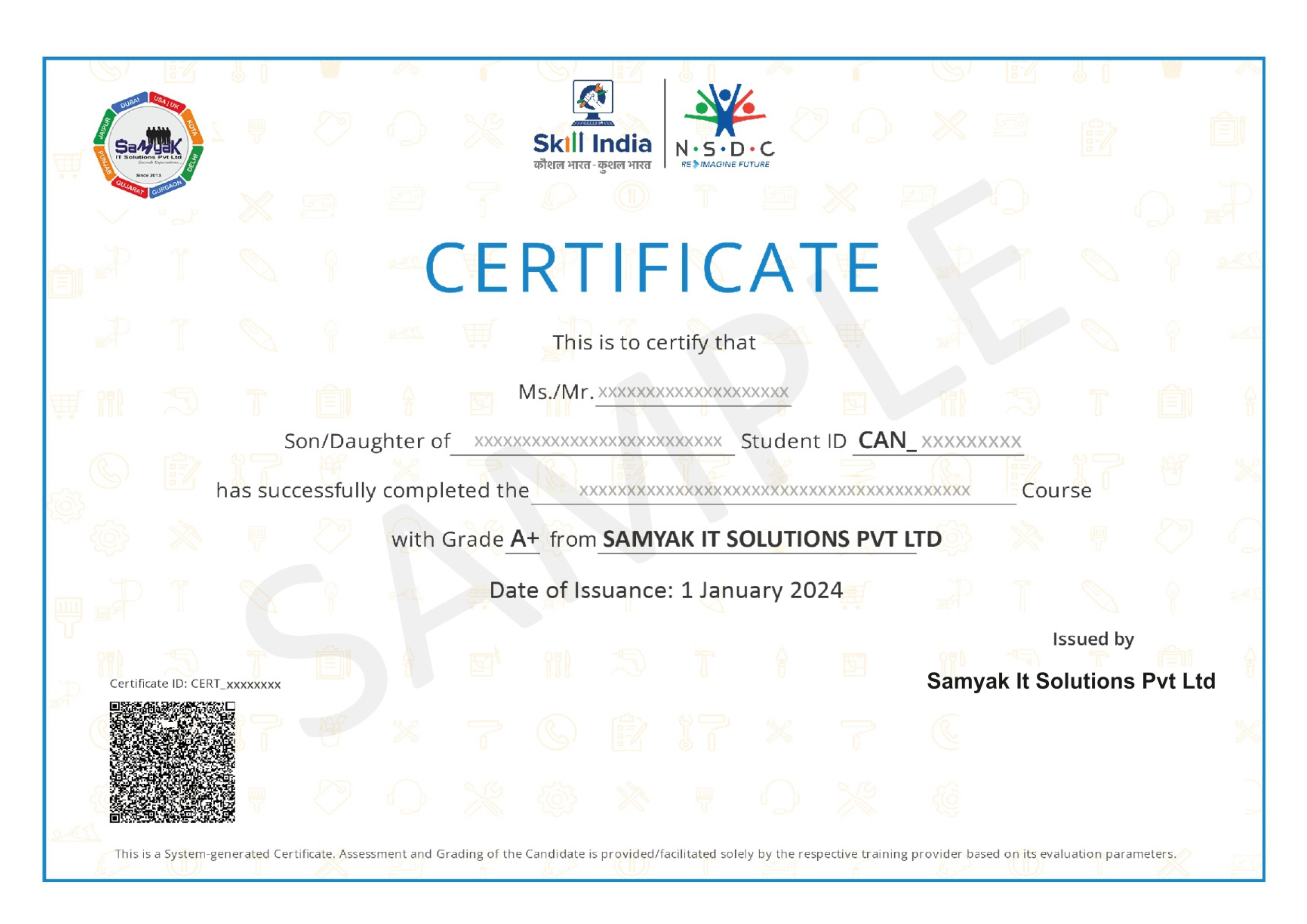
Samyak Certificate (included)

Samyak Certificate (included)

ISO 9001:2008 certified training recognized globally.

NSDC Certificate (included)

NSDC Certificate (included)

Govt of India-backed certification enhancing employability.

Get Certified

Our Students Placed In Top Companies

×

Application Form