



Revit Training Course

Master Building Information Modeling (BIM) with Revit to design, model, and document professional architectural and structural projects efficiently.
550+ Trainers
250+ course
150+ Branches

Course Overview

  • Next Batch:New batches start every 7th Day. Limited seats available – enroll early!
  • Course Duration:1–2 Months (including hands-on labs and project work)
  • Eligibility:
    • Students
    • Architects
    • Structural Engineers
    • MEP Engineers
    • Contractors
    • Design Professionals
  • Tools:
      6
  • Modes of Training: Online Live Classes/Offline Training (available at all Samyak branches)
  • Projects:Available

₹11 LPA +

Average CTC

34000+

Naukri, LinkedIn, Glassdoor

3+

Industry Mentors

Join Our 100% Job Assistance

Revit Training Course

Overview of Revit Training Course

The Revit Training Course focuses on practical BIM (Building Information Modeling) techniques used in architecture and engineering industries. You’ll learn how to design complete building structures, interiors, and documentation efficiently using Revit.

This course helps you understand real-world project workflows — from concept design to 3D modeling, rendering, and documentation. By the end, you’ll have the skills to create intelligent, data-driven models and collaborate seamlessly on complex design projects.

What You’ll Learn From Course

Understand and apply BIM concepts for real-world architectural projects.
Create detailed 3D building models including walls, floors, roofs, and furniture.
Manage views, sheets, and schedules for professional documentation.
Collaborate using linked models and shared parameters effectively.
Render realistic walkthroughs using Lumion or Enscape integration.
Develop a complete project portfolio using Revit architecture tools.

Who Should Take this Course

Students
Architects
Structural Engineers
MEP Engineers
Contractors
Design Professionals

Job Roles For Course

BIM Modeler
Revit Designer
Architectural Draftsman
MEP Coordinator
Structural Designer
BIM Coordinator

Tools Covered In Course

CPU-Z / HWMonitor (Hardware Analysis Tools)
BIOS / UEFI Interface (System Configuration & Diagnostics)
Multimeter / POST Card (Hardware Testing Tools)
Disk Management / Partition Tools (Storage Configuration)
Anti-static Toolkit (Hardware Assembling & Servicing Tools)

What’s included ?

Theory doesn’t help anyone in professional life, professional Courses are better learnt by experimenting.

Certifications like Microsoft, Google, HP, Cisco, EC-Council make a huge difference in placement.

Contents are based upon the latest trends in IT industry nd as per the recommendations of IT Guys.

Good opportunities need to spread geographically, so is Samyak for the benefit of professional and job seekers.

All courses are as per industry needs and with projects/ examples, which make Samyak’s approach job oriented.

Once the course is completed from Samyak, there is a dedicated team to guide for interview and placements.

Revit Training Course

1. Introduction to BIM and Revit

  • What is BIM?
  • Revit Architecture Interface
  • Project Setup and File Management

2. Modeling Basics

  • Creating and Modifying Wall Profiles
  • Placing Doors, Windows, and Components
  • Creating Floor Plans, Roofs, Ceilings, and Levels

3.Structural and Construction Modeling

  • Adding Beams, Columns, and Foundations
  • Creating Structural Grids and Elements

4. Site Design & Mass Modeling

  • Creating Topography and Site Elements
  • Split/Merge Surfaces
  • Solid & Void Geometry Tools

5. Detailed Components & Annotation

  • Dimensions, Tags, Texts
  • Sheets, Views, Schedules, Legends
  • Custom Symbols and Title Blocks

6. Visualization & Collaboration

  • Camera Views, Walk-throughs, Rendering
  • Worksharing & Team Collaboration
  • Import/Export with CAD and other formats

Key Features

  • Hands-on training with real building models
  • Covers Architecture, Structure, and MEP tools
  • Project-based learning with advanced modeling techniques
  • Guidance on Revit Families and Templates

Job Roles

  • BIM Modeler
  • Revit Designer
  • Architectural Draftsman
  • MEP Coordinator
  • Structural Designer
  • BIM Coordinator

Program Highlights

  • Covers modeling, documentation, analysis, and visualization
  • Work on real-world building design and construction tasks
  • Get mentored by professionals using Revit in live projects
  • Get certified and job-ready with in-demand Revit skills

What is an Ultimate Career Choice?

Massive Market
Massive Market

Learn skills that open doors to vast, growing markets worldwide, constantly increasing demand across industries.

High-Paying Jobs
High-Paying Jobs

Acquire in-demand expertise to command top salaries, and accelerate long-term financial growth .

Future-Proof Career
Future-Proof Career

Build adaptable, technology that keep your career relevant, and valuable in chaanging times.

Entrepreneurial Path

Gain practical tools, mindset and networks needed to launch ventures, create sustainable businesses.

Global Impact
Global Impact

Develop solutions and leadership that solve real-world problems, positively impacting communities.

Large Community
Large Community

Join a diverse, supportive community of learners, mentorship, opportunities, and lasting connections.

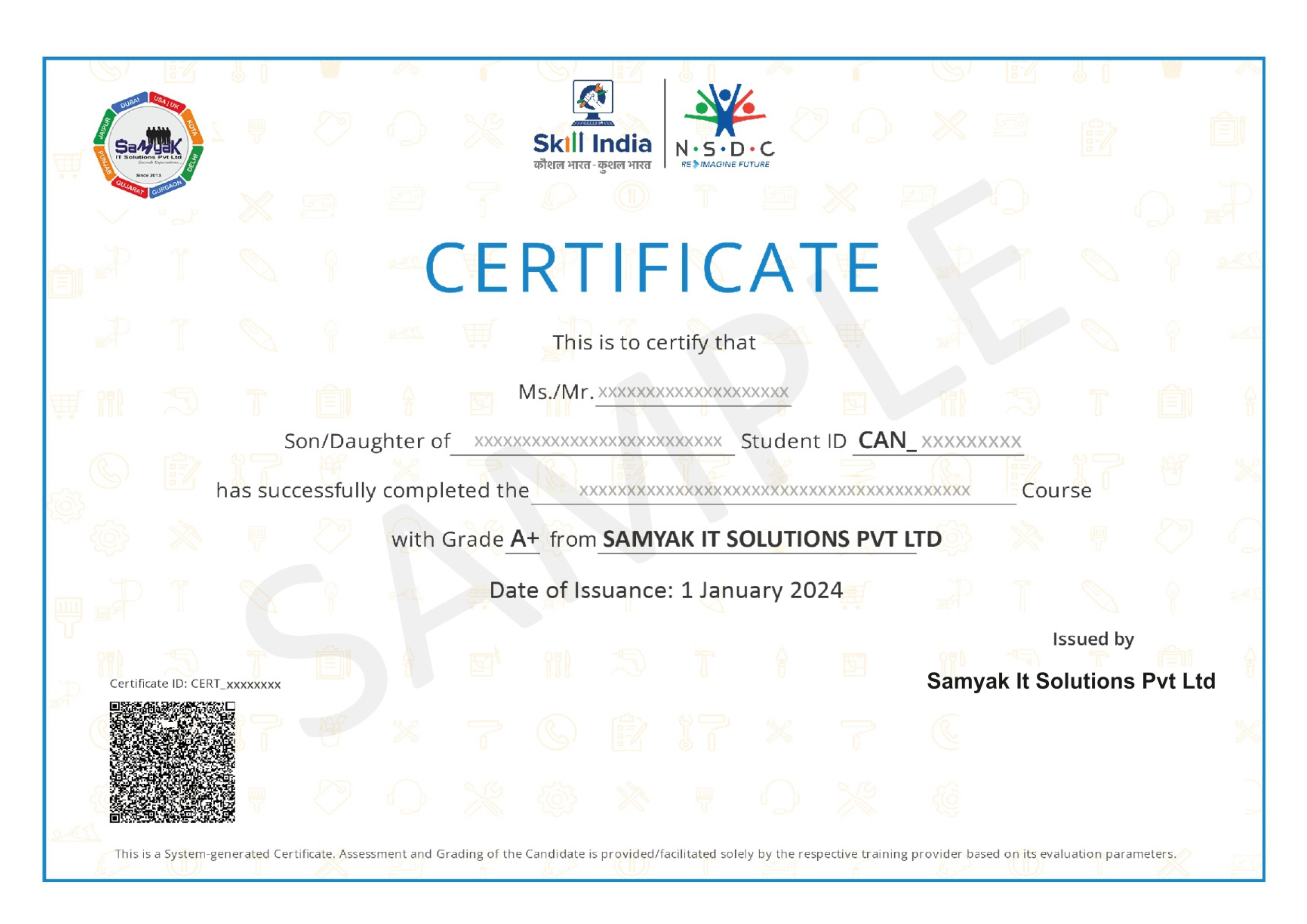
Be in the spotlight by getting certified!

A detailed overview of the course, including key topics, objectives, and module sequence.

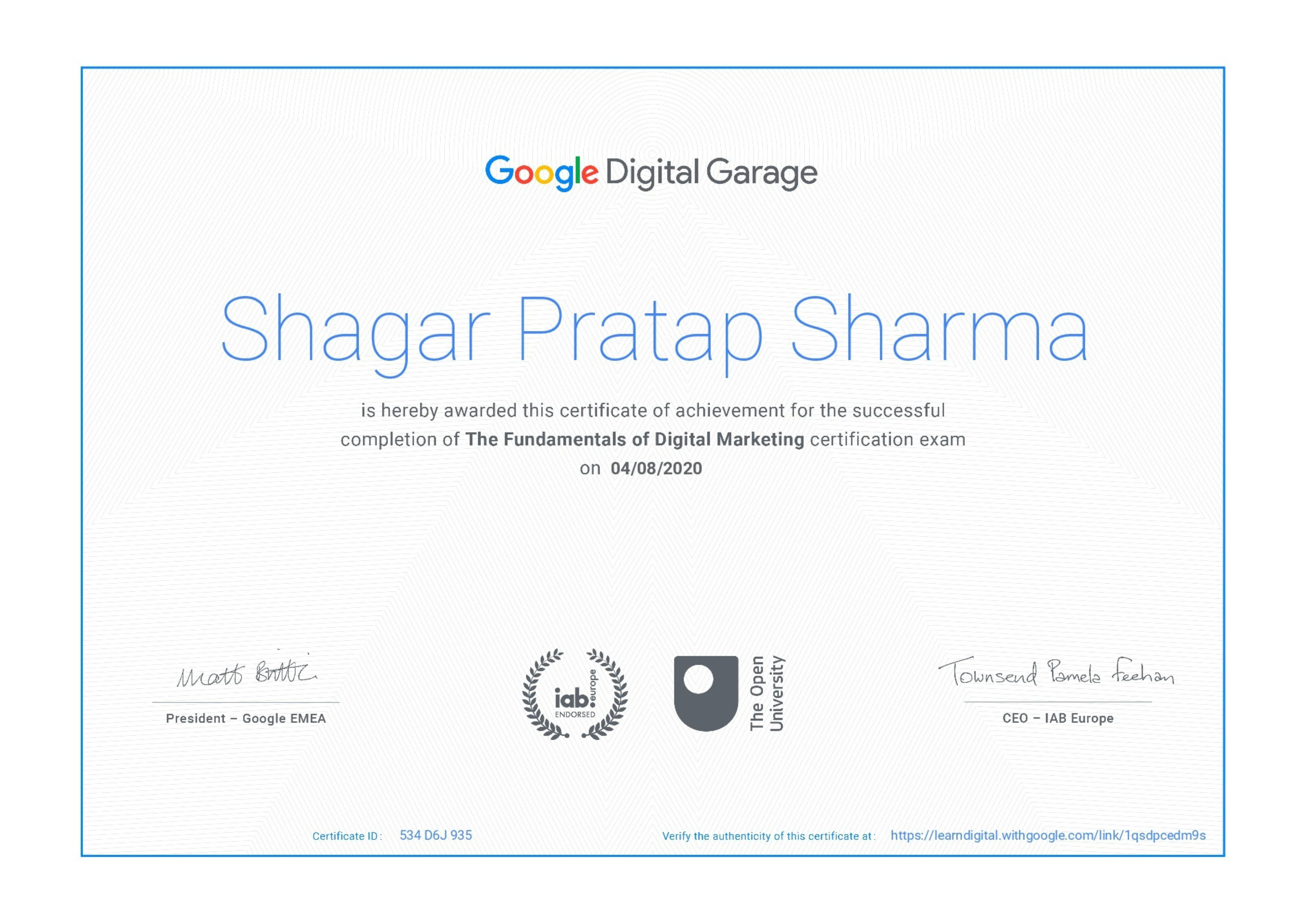
Google Certificate (included)

Google Certificate (included)

Internationally recognized certificate for professional achievement.

Samyak Certificate (included)

Samyak Certificate (included)

ISO 9001:2008 certified training recognized globally.

NSDC Certificate (included)

NSDC Certificate (included)

Govt of India-backed certification enhancing employability.

Get Certified

Our Students Placed In Top Companies

×

Application Form