



 Placement Statistics
 Next Batch:New batches start every month. Limited seats available – enroll early!
 Course Duration:1 Month (including hands-on design and drafting projects)
 Eligibility:
 Tools:
 Modes of Training:Online Live Classes/Offline Training (available at all Samyak branches)
 Projects:Available

Average CTC

Naukri, LinkedIn, Glassdoor

Industry Mentors
Joining a professional auto cad for mechanical course is the most effective way for students and engineers to master mechanical drawing and design documentation. This program is built to focus on both 2D and 3D aspects of machine design, allowing you to create accurate, industry-ready blueprints. By enrolling in this auto cad for mechanical course, you will gain the technical expertise needed to represent mechanical parts, assemblies, and tolerances correctly. Whether you are a beginner or a working pro, an auto cad for mechanical course provides a bridge between design concepts and real-world manufacturing.
If you are searching for an auto cad for mechanical course near me for in-person training or looking for flexible AutoCAD for Mechanical classes, we offer a path that fits your career goals. Our auto cad for mechanical classes near me provide a practical environment where you can work on real industrial models with expert guidance. For those specifically looking for an autocad course for mechanical engineering, our curriculum ensures you are ready to produce professional technical documentation for any industrial application.

Theory doesn’t help anyone in professional life, professional Courses are better learnt by experimenting.

Certifications like Microsoft, Google, HP, Cisco, EC-Council make a huge difference in placement.

Contents are based upon the latest trends in IT industry nd as per the recommendations of IT Guys.

Good opportunities need to spread geographically, so is Samyak for the benefit of professional and job seekers.

All courses are as per industry needs and with projects/ examples, which make Samyak’s approach job oriented.

Once the course is completed from Samyak, there is a dedicated team to guide for interview and placements.
Learn skills that open doors to vast, growing markets worldwide, constantly increasing demand across industries.

Acquire in-demand expertise to command top salaries, and accelerate long-term financial growth .

Build adaptable, technology that keep your career relevant, and valuable in chaanging times.
Gain practical tools, mindset and networks needed to launch ventures, create sustainable businesses.
Develop solutions and leadership that solve real-world problems, positively impacting communities.
Join a diverse, supportive community of learners, mentorship, opportunities, and lasting connections.
A detailed overview of the course, including key topics, objectives, and module sequence.
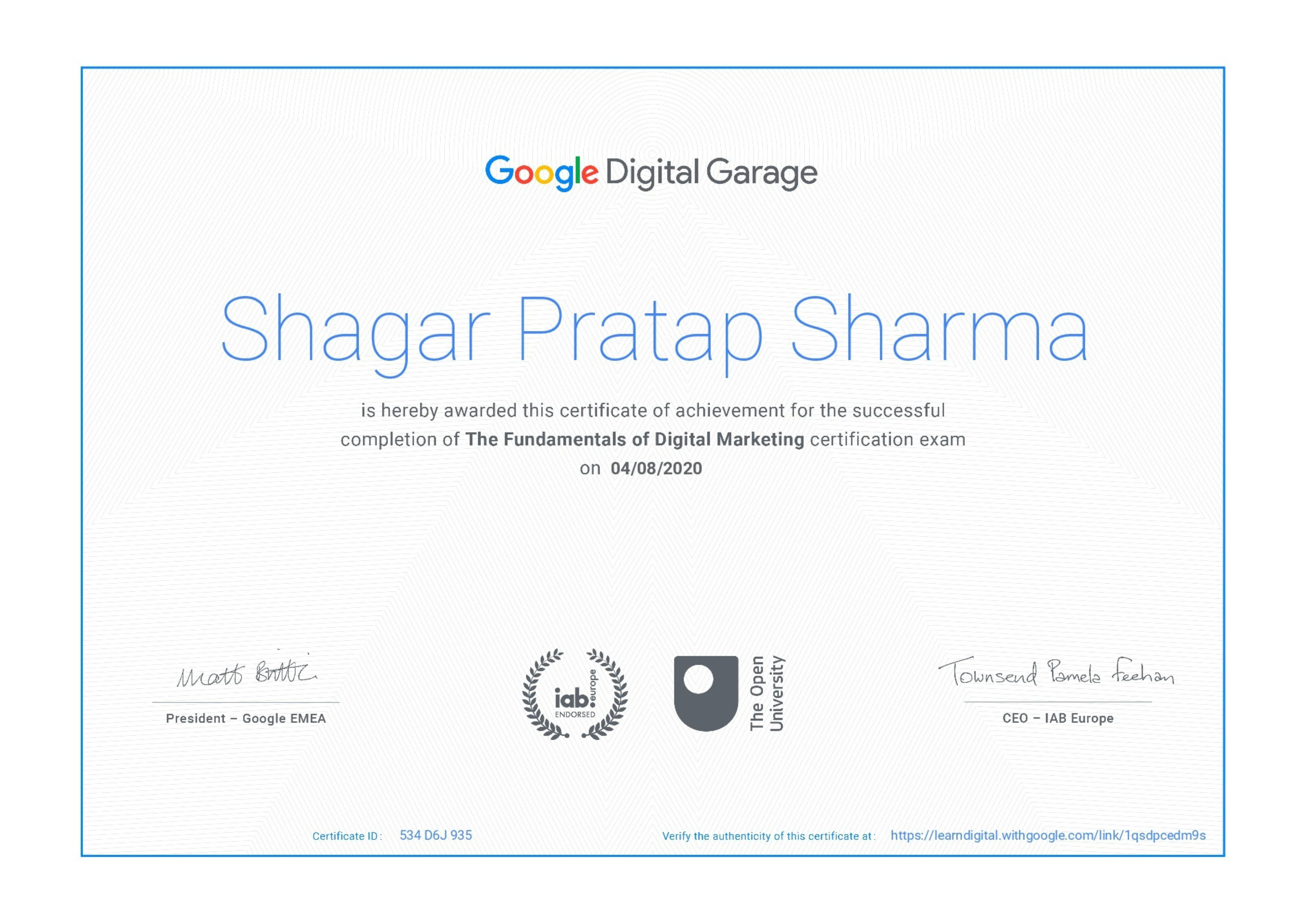
Internationally recognized certificate for professional achievement.

ISO 9001:2008 certified training recognized globally.
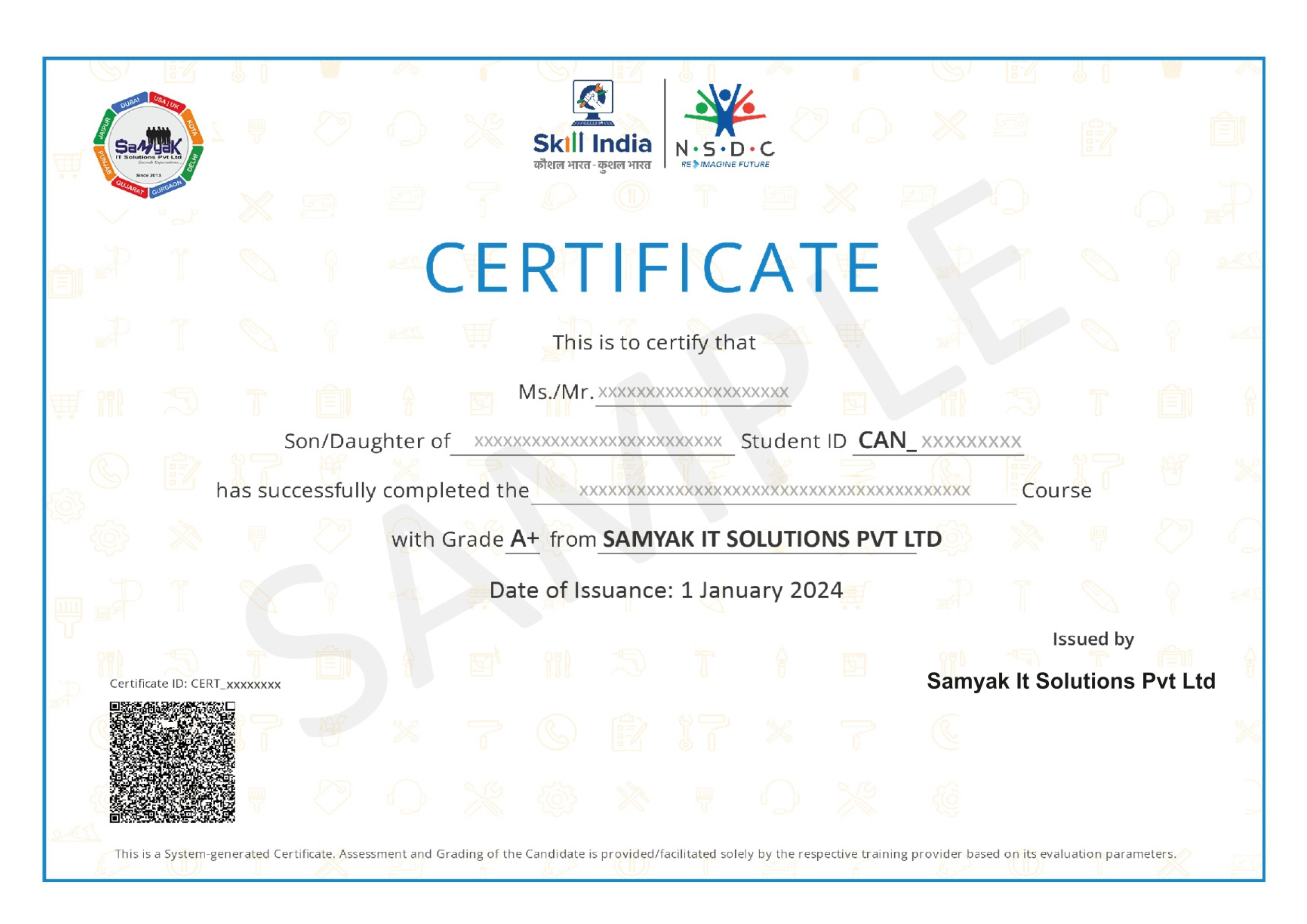
Govt of India-backed certification enhancing employability.
At Samyak Computer Classes, we don’t just teach courses — we help students build successful careers. Along with professional training, we provide FREE Career Development & Placement Support Programs to make every student industry-ready.
Build the confidence required to succeed in today’s professional world through our weekly FREE Personality Development Sessions.
Our specialized Placement Readiness Sessions are designed to prepare students for real-world job opportunities.
Learn how to create a professional and recruiter-friendly resume.
Guidance on using online job platforms effectively to find better opportunities.
Practice real interview scenarios with expert feedback.
Samyak organizes FREE Placement Drives exclusively for Samyak students to connect them with hiring companies.