





📞 +91-7413825777 | +91-9105106105 | +91-7413873777
FB X IG YT

DTP Graphic Design Course (Desktop Publishing)

Learn Desktop Publishing (DTP) and Graphic Design to create professional print media, advertisements, and marketing materials with precision and creativity.

Course Overview

  • Next Batch Next Batch:New batches start every month. Limited seats available – enroll early!

  • Course Duration Course Duration:2 Months
  • Eligibility Eligibility:
      Anyone interested in graphic designing and print media
  • Tools Tools:
      5
  • Modes of Training Modes of Training:Online Live Classes / Offline Training (available at all Samyak branches)

  • Projects Projects:Available
CTC

₹11 LPA +

Average CTC

Students

34000+

Naukri, LinkedIn, Glassdoor

Mentors

3+

Industry Mentors

Join Our 100% Job Assistance

DTP Graphic Design Course (Desktop Publishing)

  • Learn the fundamentals of graphic design, color theory, and typography.
  • Master image editing, photo manipulation, and layout creation for print.
  • Design professional brochures, magazines, visiting cards, and posters.
  • Work with page setup, bleed, margins, and printing standards.
  • Develop creative designs for advertisements, packaging, and branding.
  • Earn your DTP Graphic Design Certification and start a creative design career.

Overview of DTP Graphic Design Course (Desktop Publishing)

The DTP Graphic Design Course (Desktop Publishing) is designed for aspiring designers, print professionals, and students who want to master print and layout design. The course blends creativity with technical design skills required in the publishing and advertising industries, providing you with the specialized technical expertise needed to advance your career.

Through real-world projects, learners gain hands-on experience in Photoshop, CorelDRAW, and InDesign, learning to design marketing materials, digital layouts, and professional publications. By the end of the course, you’ll earn your DTP Graphic Design Certification and be ready to work in design studios, print houses, or freelance creative roles.

What You’ll Learn From Course

Understand color theory, typography, and visual layout principles.
Edit and enhance images using Adobe Photoshop.
Create vector-based designs and logos in CorelDRAW or Illustrator.
Design print-ready layouts using Adobe InDesign or PageMaker.
Develop brochures, flyers, business cards, and magazine covers.
Earn your DTP Graphic Design Certification and start your career in media and publishing.

Who Should Take this Course

Anyone interested in graphic designing and print media

Job Roles For Course

Graphic Designer
Visual Designer
Publishing Assistant

Tools & Technologies Covered In Course

Adobe Photoshop (Image Editing & Design)
CorelDRAW (Vector Illustration & Layout Design)
Adobe InDesign / PageMaker (Page Layout & Publishing)
Adobe Illustrator (Logo & Branding Design)
Canva / Figma (Quick Design & Digital Layout Tools)

What's included ?

Live Project

Theory doesn’t help anyone in professional life, professional Courses are better learnt by experimenting.

Global Certificates

Certifications like Microsoft, Google, HP, Cisco, EC-Council make a huge difference in placement.

Advanced Contents

Contents are based upon the latest trends in IT industry nd as per the recommendations of IT Guys.

Multi Location

Good opportunities need to spread geographically, so is Samyak for the benefit of professional and job seekers.

Job Oriented

All courses are as per industry needs and with projects/ examples, which make Samyak’s approach job oriented.

Placement Assistance

Once the course is completed from Samyak, there is a dedicated team to guide for interview and placements.
DTP Graphic Design Course (Desktop Publishing) Syllabus

1. Introduction to Desktop Publishing

  • Understanding Print Media
  • Basics of Typography and Color

2. Adobe Photoshop

  • Image Editing, Retouching, and Layout Design
  • Working with Layers, Filters, and Effects

3. Adobe PageMaker

  • Page Layout Design for Brochures and Books
  • Merging Images and Text Content

4. Design Principles and Layout Techniques

  • Creative Design Concepts
  • Choosing Fonts, Colors, and Visual Balance

5. Final Print Preparation

  • Proofing, Print Specs, and Color Modes (Pantone & CMYK)
  • Interfacing with Printers and Production Teams

6. Project Work & Portfolio Development

  • Real - time Design Assignments
  • Build Your Own Design Portfolio

Key Features

  • Practical, hands - on training with real design projects
  • Training in both digital and print media
  • Career support with portfolio building
  • Learn from experienced graphic design professionals

Job Roles

  • Graphic Designer
  • DTP Operator
  • Visual Designer
  • Publishing Assistant

Program Highlights

  • Focused on real - world projects and print workflows
  • Learn Adobe Photoshop and PageMaker tools in depth
  • Mentorship from experienced DTP and graphic designers
  • Guidance on freelancing, job readiness, and interviews

What is an Ultimate Career Choice?

Massive Market
Massive Market

Learn skills that open doors to vast, growing markets worldwide, constantly increasing demand across industries.

High-Paying Jobs
High-Paying Jobs

Acquire in-demand expertise to command top salaries, and accelerate long-term financial growth .

Future-Proof Career
Future-Proof Career

Build adaptable, technology that keep your career relevant, and valuable in chaanging times.

Entrepreneurial Path

Gain practical tools, mindset and networks needed to launch ventures, create sustainable businesses.

Global Impact
Global Impact

Develop solutions and leadership that solve real-world problems, positively impacting communities.

Large Community
Large Community

Join a diverse, supportive community of learners, mentorship, opportunities, and lasting connections.

Be in the spotlight by getting certified!

A detailed overview of the course, including key topics, objectives, and module sequence.
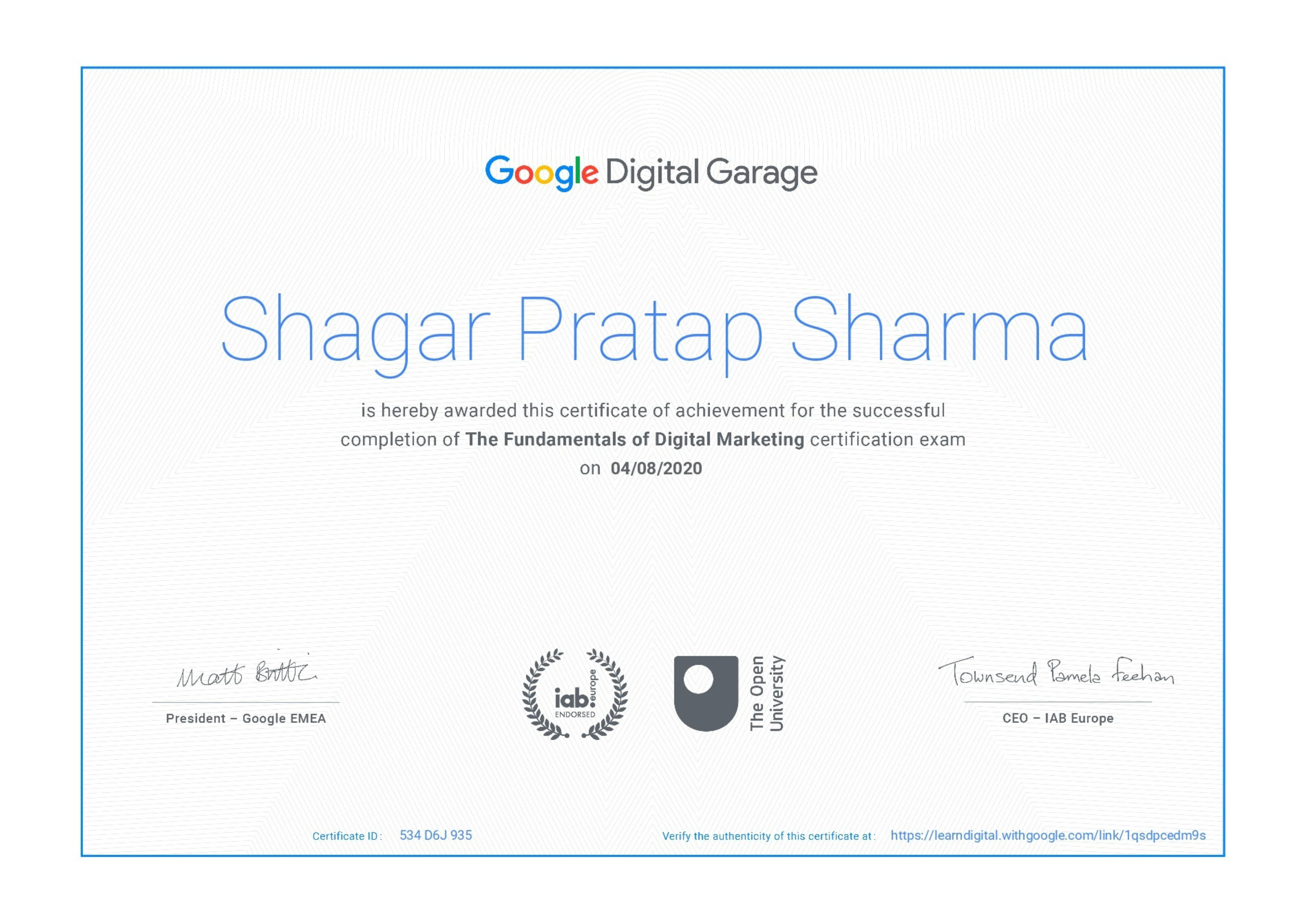
Google Certificate (included)

Google Certificate (included)

Internationally recognized certificate for professional achievement.

Samyak Certificate (included)

Samyak Certificate (included)

ISO 9001:2008 certified training recognized globally.
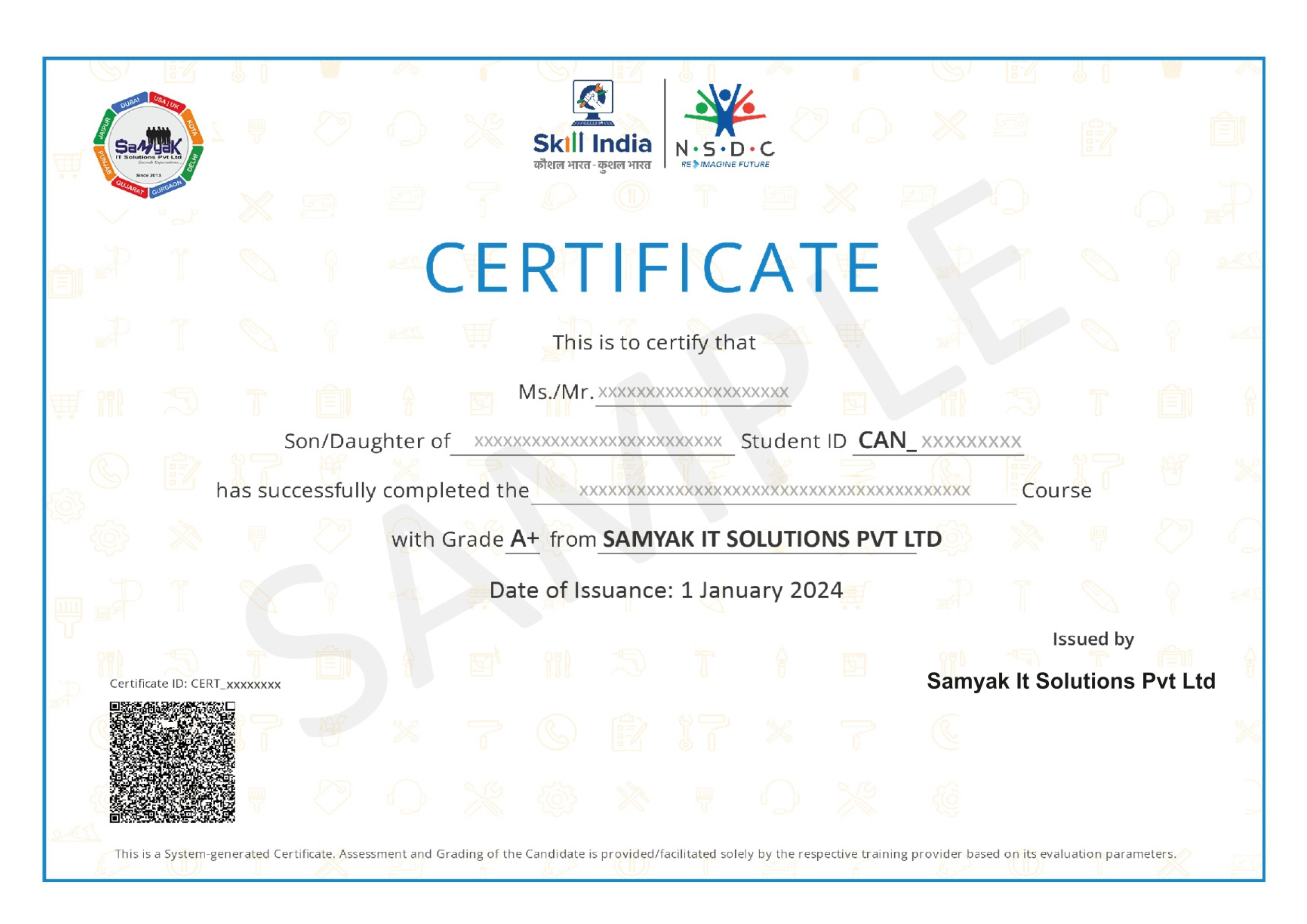
NSDC Certificate (included)

NSDC Certificate (included)

Govt of India-backed certification enhancing employability.

Get Certified

Exclusive Career Support Programs at Samyak Computer Classes

At Samyak Computer Classes, we don’t just teach courses — we help students build successful careers. Along with professional training, we provide FREE Career Development & Placement Support Programs to make every student industry-ready.

Free Personality Development Sessions

Conducted Every Saturday

Build the confidence required to succeed in today’s professional world through our weekly FREE Personality Development Sessions.

  • Communication Skills Improvement
  • Confidence & Public Speaking
  • Interview Communication
  • Professional Grooming
  • Corporate Etiquette

Free Placement Readiness Program

Conducted Every Second Saturday

Our specialized Placement Readiness Sessions are designed to prepare students for real-world job opportunities.

📄 Resume Preparation

Learn how to create a professional and recruiter-friendly resume.

🌐 Online Job Portal Awareness

Guidance on using online job platforms effectively to find better opportunities.

🎯 Mock Interview Sessions

Practice real interview scenarios with expert feedback.

Free Placement Drive

Conducted Every Third Saturday

Samyak organizes FREE Placement Drives exclusively for Samyak students to connect them with hiring companies.


  • Direct Interview Opportunities
  • Industry Exposure
  • Career Guidance & Support
  • Better Job Opportunities
  • Professional Networking

Our Students Placed In Top Companies

×

Application Form