





📞 +91-7413825777 | +91-9105106105 | +91-7413873777
FB X IG YT

V-Ray Training Course

Master V-Ray rendering to create photorealistic 3D visuals, lighting, and textures for architecture, interior design, and product visualization.

Course Overview

  • Next Batch Next Batch:New batches start every 7th Day. Limited seats available – enroll early!

  • Course Duration Course Duration:1 Month (including hands-on rendering projects and portfolio creation)

  • Eligibility Eligibility:
    • Students
    • Architects
    • Designers
    • 3D Artists
    • Visualization Professionals
  • Tools Tools:
      5
  • Modes of Training Modes of Training:Online Live Classes/Offline Training (available at all Samyak branches)

  • Projects Projects:Available
CTC

₹11 LPA +

Average CTC

Students

34000+

Naukri, LinkedIn, Glassdoor

Mentors

3+

Industry Mentors

Join Our 100% Job Assistance

V-Ray Training Course

  • Learn the fundamentals of V-Ray rendering engine and interface.
  • Master lighting techniques for interior and exterior visualizations.
  • Create realistic materials, reflections, and textures for 3D models.
  • Understand camera settings, exposure, and rendering optimization.
  • Integrate V-Ray with SketchUp, Revit, and 3Ds Max for professional results.
  • Work on live rendering projects for architectural and product visualization.

Overview of V-Ray Training Course

The V-Ray Training Course teaches you how to transform 3D models into stunning, lifelike visualizations. You’ll explore professional rendering workflows, including advanced lighting, material creation, and environment setup used by top designers, equipping you with the creative expertise needed to advance your career in architectural and product visualization.

This course blends artistic creativity with technical precision, enabling you to produce high-quality renders for architectural, interior, and product projects. By the end, you’ll be confident in creating realistic visual outputs suitable for client presentations and portfolios.

What You’ll Learn From Course

Master global illumination, lighting, and realistic material creation in V-Ray.
Render high-quality interior and exterior visualizations with accuracy.
Control camera settings, exposure, and shadows for lifelike renders.
Integrate V-Ray with 3Ds Max, SketchUp, and Revit effectively.
Post-process renders using Photoshop for enhanced presentation.
Build a professional portfolio with photorealistic visualization projects.

Who Should Take this Course

Students
Architects
Designers
3D Artists
Visualization Professionals

Job Roles For Course

3D Visualizer
Rendering Artist
Architectural Visualizer
Product Designer
CGI Artist

Tools Covered In Course

V-Ray
3Ds Max
SketchUp
Revit
Photoshop

What's included ?

Live Project

Theory doesn’t help anyone in professional life, professional Courses are better learnt by experimenting.

Global Certificates

Certifications like Microsoft, Google, HP, Cisco, EC-Council make a huge difference in placement.

Advanced Contents

Contents are based upon the latest trends in IT industry nd as per the recommendations of IT Guys.

Multi Location

Good opportunities need to spread geographically, so is Samyak for the benefit of professional and job seekers.

Job Oriented

All courses are as per industry needs and with projects/ examples, which make Samyak’s approach job oriented.

Placement Assistance

Once the course is completed from Samyak, there is a dedicated team to guide for interview and placements.

V-Ray Training Course

1. Introduction to Rendering Concepts

  • Basics of rendering and visualization
  • Rendering terminology and theoretical foundations

2. V-Ray Interface and Navigation

  • Understanding the V - Ray toolbar and menus
  • Working within SketchUp, 3ds Max, or Rhino

3. Materials and Textures

  • Creating standard and advanced materials
  • Applying textures, shaders, and maps

4. Lighting Techniques

  • Using natural and artificial lighting
  • Setting up studio and scene lighting

5. Advanced Rendering Techniques

  • Global Illumination and HDRI setup
  • Depth of field, caustics, motion blur, SSS

6. Cameras and Composition

  • Camera placement and settings
  • Framing and perspective correction

7. Rendering Settings and Optimization

  • Balancing quality and speed
  • Best practices for high - resolution output

8. Post-Processing and Compositing

  • Color correction and layering in Photoshop
  • Final touch - ups and visual effects

9. Real-World Projects

  • Architectural rendering
  • Interior visualization
  • Product design rendering

Key Features

  • Real - world visualization projects and case studies
  • Integration with 3ds Max, SketchUp, and Rhino
  • Exposure to industry - standard tools and workflows
  • Portfolio - building and rendering project showcase

Job Roles

  • 3D Visualizer
  • Rendering Artist
  • Architectural Visualizer
  • Product Designer
  • CGI Artist

Program Highlights

  • Explore every tool and trick to produce photorealistic visuals
  • Instructors with years of experience in architectural and product rendering
  • Create projects that showcase your skills to potential employers or clients
  • Start from fundamentals and move to expert - level rendering with certification

What is an Ultimate Career Choice?

Massive Market
Massive Market

Learn skills that open doors to vast, growing markets worldwide, constantly increasing demand across industries.

High-Paying Jobs
High-Paying Jobs

Acquire in-demand expertise to command top salaries, and accelerate long-term financial growth .

Future-Proof Career
Future-Proof Career

Build adaptable, technology that keep your career relevant, and valuable in chaanging times.

Entrepreneurial Path

Gain practical tools, mindset and networks needed to launch ventures, create sustainable businesses.

Global Impact
Global Impact

Develop solutions and leadership that solve real-world problems, positively impacting communities.

Large Community
Large Community

Join a diverse, supportive community of learners, mentorship, opportunities, and lasting connections.

Be in the spotlight by getting certified!

A detailed overview of the course, including key topics, objectives, and module sequence.
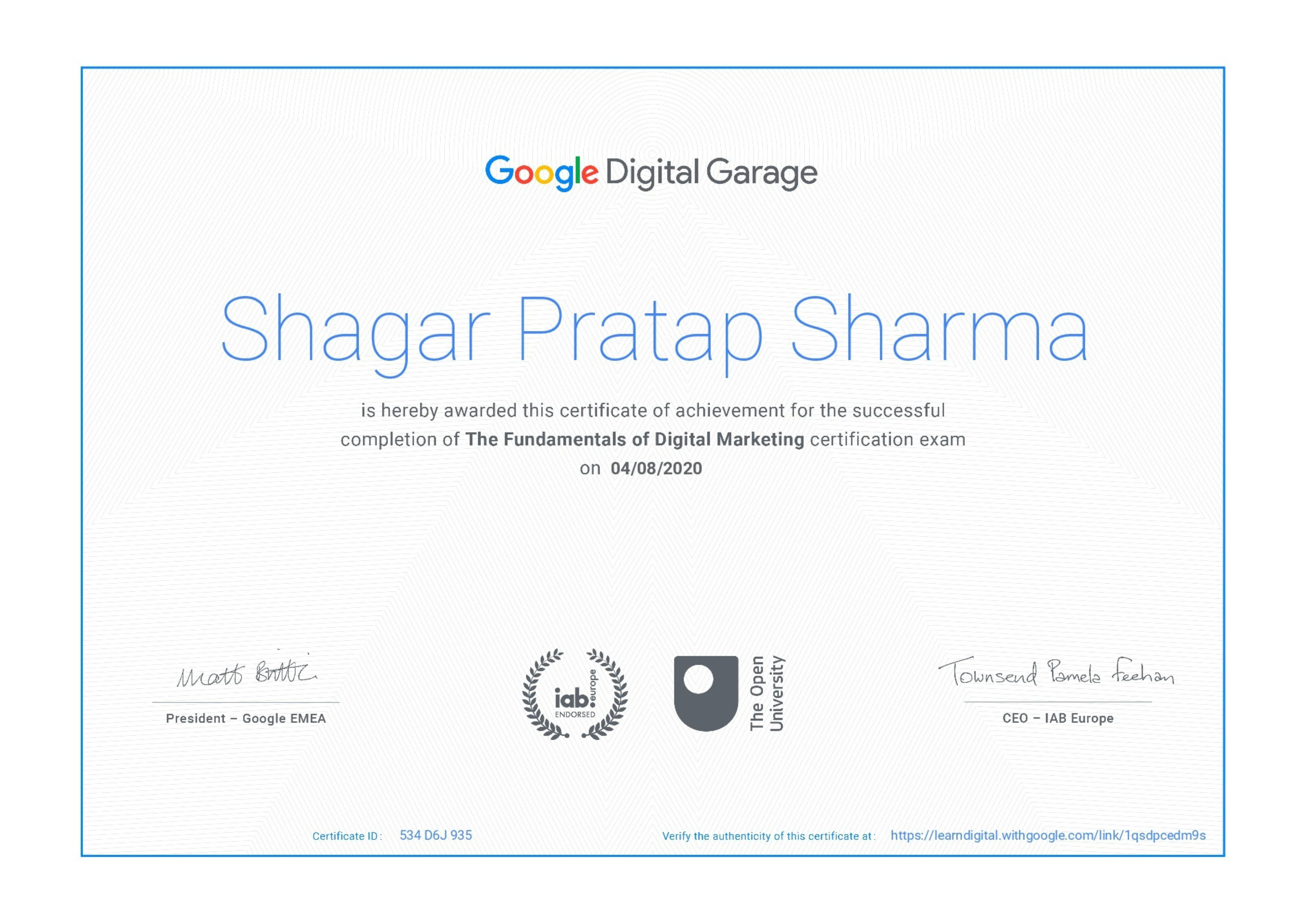
Google Certificate (included)

Google Certificate (included)

Internationally recognized certificate for professional achievement.

Samyak Certificate (included)

Samyak Certificate (included)

ISO 9001:2008 certified training recognized globally.
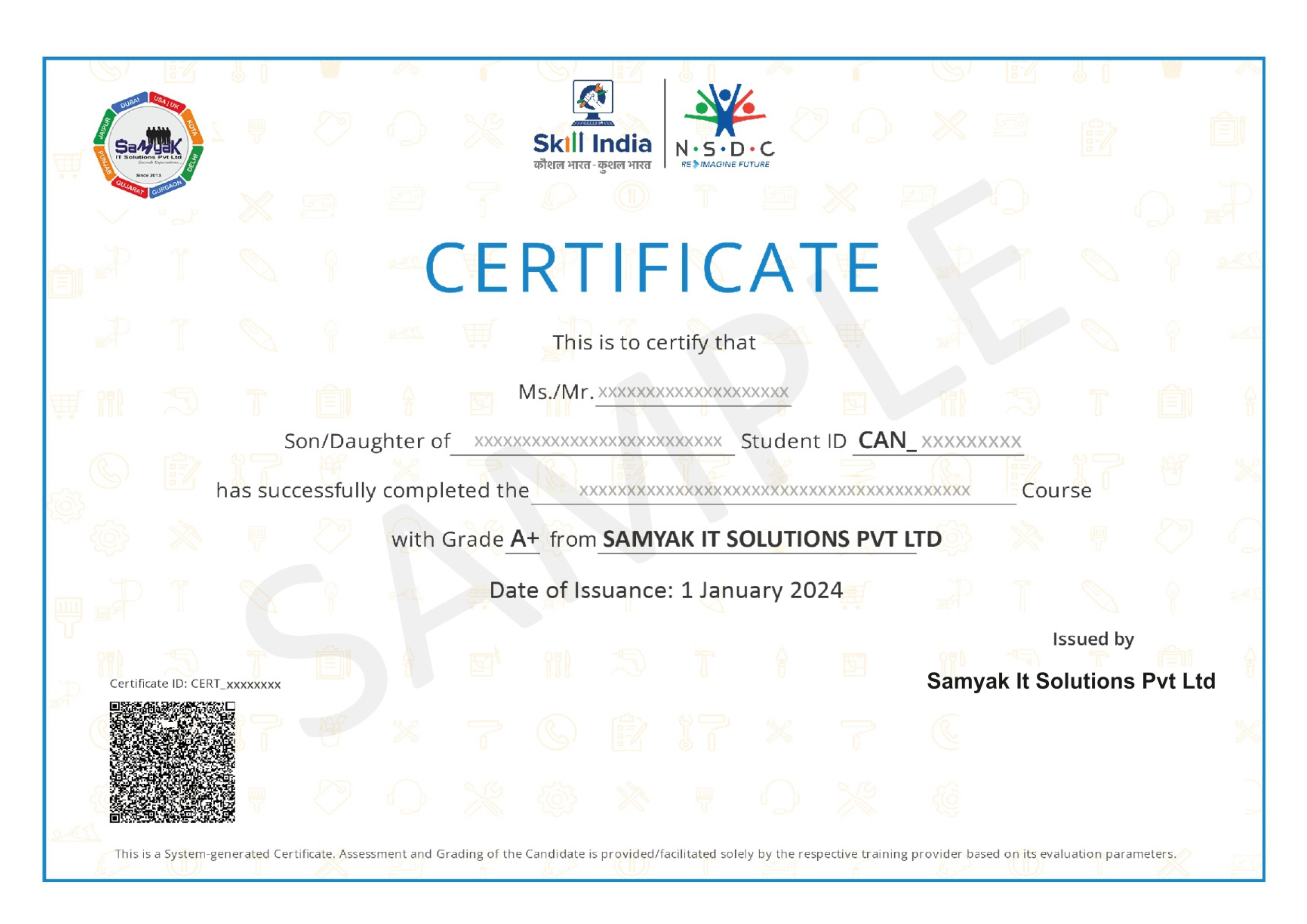
NSDC Certificate (included)

NSDC Certificate (included)

Govt of India-backed certification enhancing employability.

Get Certified

Exclusive Career Support Programs at Samyak Computer Classes

At Samyak Computer Classes, we don’t just teach courses — we help students build successful careers. Along with professional training, we provide FREE Career Development & Placement Support Programs to make every student industry-ready.

Free Personality Development Sessions

Conducted Every Saturday

Build the confidence required to succeed in today’s professional world through our weekly FREE Personality Development Sessions.

  • Communication Skills Improvement
  • Confidence & Public Speaking
  • Interview Communication
  • Professional Grooming
  • Corporate Etiquette

Free Placement Readiness Program

Conducted Every Second Saturday

Our specialized Placement Readiness Sessions are designed to prepare students for real-world job opportunities.

📄 Resume Preparation

Learn how to create a professional and recruiter-friendly resume.

🌐 Online Job Portal Awareness

Guidance on using online job platforms effectively to find better opportunities.

🎯 Mock Interview Sessions

Practice real interview scenarios with expert feedback.

Free Placement Drive

Conducted Every Third Saturday

Samyak organizes FREE Placement Drives exclusively for Samyak students to connect them with hiring companies.


  • Direct Interview Opportunities
  • Industry Exposure
  • Career Guidance & Support
  • Better Job Opportunities
  • Professional Networking

Our Students Placed In Top Companies

×

Application Form